
In 2026, customer relationship management (CRM) software has become a necessity. By providing tools for AI-driven automation, predictive analytics, and seamless integrations, modern CRMs are transforming how businesses manage relationships and drive growth.
Still, not all CRM platforms are created equal. It’s important to find the solutions that make the most sense for your business needs. So you can reach your own relationship goals. Here, we break down the best CRM software for 2026, including their most notable features, pros, cons, and use cases.
What is a CRM?
A CRM (customer relationship management) system is a platform that centralizes all your customer data and sales activities in one place. Businesses can use CRMs to manage customer contacts, automate routine tasks, and gain actionable insights from every touchpoint. With this information at their fingertips, businesses can improve customer service and streamline operations, ultimately boosting ROI.
Whether you’re a startup tracking your first leads or an enterprise managing thousands of accounts, a CRM can help you stay organized and foster stronger relationships.
Which is the Best CRM Software in 2026?
Now, let’s unpack the best CRM solutions available this year. Take a look at each platform’s use cases, benefits, and target customers to find the right one for your business.
1. Rings AI
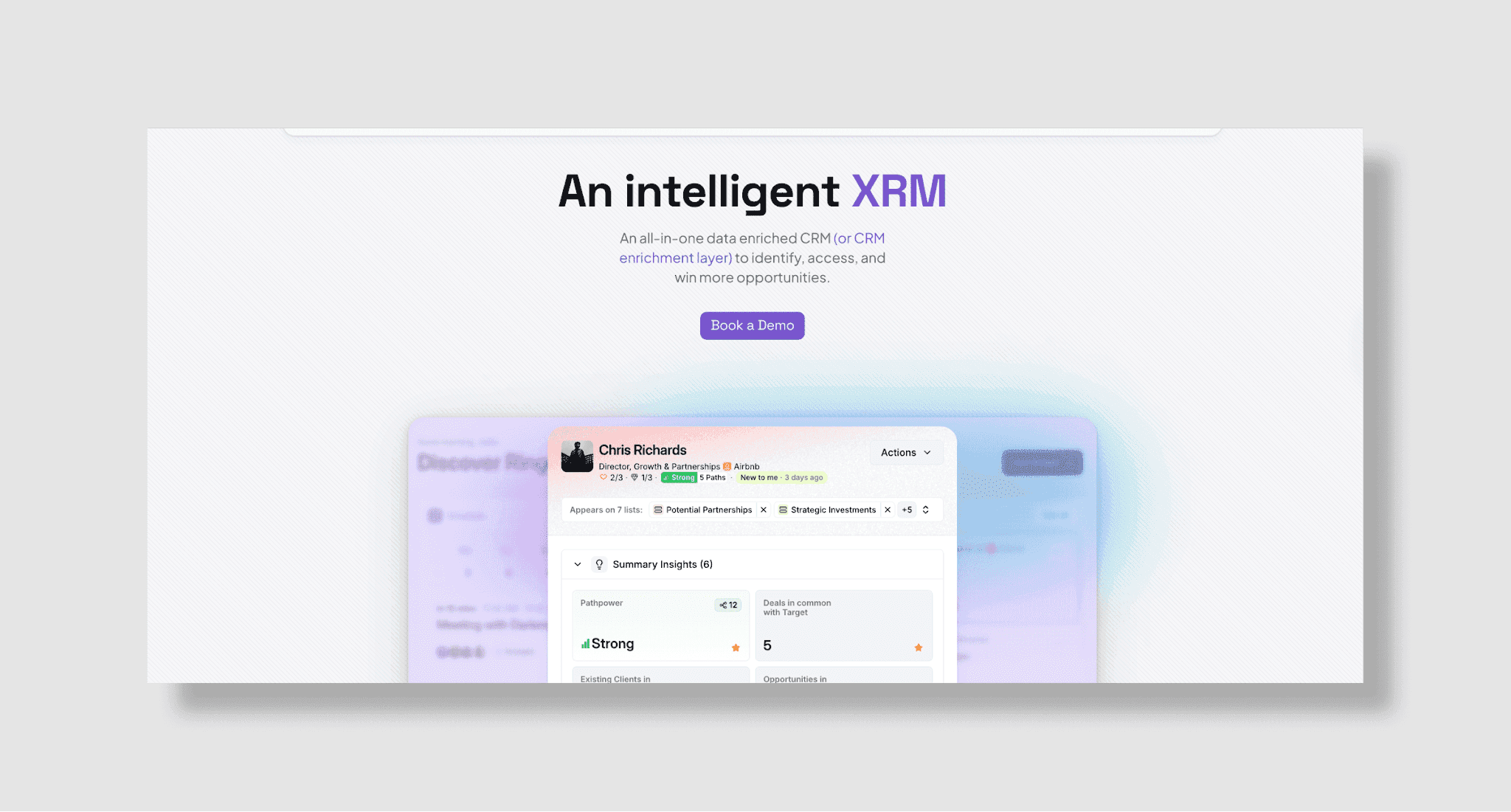
Rings AI is an intelligent CRM platform built to help relationship-driven firms identify and win high-value business opportunities.
Key features:
Dynamic network mapping: Auto-connect to email, LinkedIn, and Crunchbase to unify data and visualize relationships. Also, calculate relationship strength using 15+ variables.
Pathpower: Identify the most valuable people in your network, including advisors, investors, and board members, and your strongest connections to them to unlock new business opportunities.
Deal & portfolio management: Source new business based on investors, board members, and advisors in your network, and real-time investor deal data.
Customized privacy controls: Enable robust personal and company-wide privacy controls.
Pros:
Unmatched customization for complex workflows.
Automated, AI-powered relationship scoring and prospecting.
Integrations with 7,000+ apps via Zapier.
Lightning-fast onboarding with concierge support.
Cons:
Too many features for businesses with simple, customer-focused needs.
Pricing: Starts at $1,000/user/year, which includes thousands of dollars worth of data value
Best for: Any business selling to or prospecting startups and venture-backed companies; businesses with complex and high-value relationships that want to unlock new opportunities from their networks.
2. Affinity
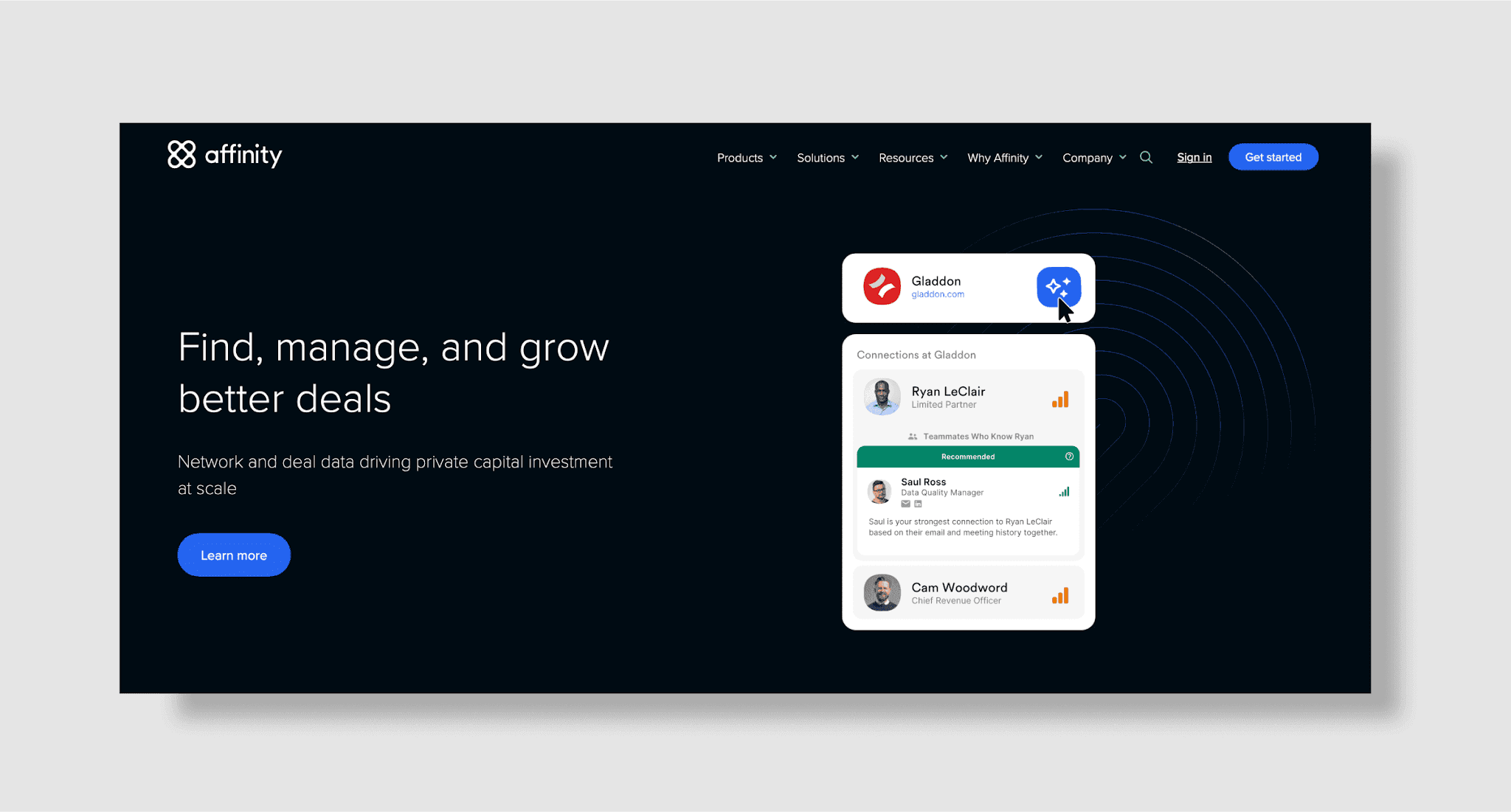
Affinity is a relationship intelligence CRM software designed for deal-driven teams.
Key features:
Automated relationship mapping: Capture and visualize connections between contacts, companies, and deals.
Deal flow tracking: Manage pipelines and interactions with customizable stages and workflows.
Automatic data capture: Sync with email and calendars to log every interaction and update records in real time.
Network analytics: Uncover hidden opportunities and relationship trends across your team.
Pros:
Automated data entry saves time.
Powerful relationship intelligence and network mapping.
Customizable pipelines and workflows.
Cons:
Pricing is higher than many standard CRMs.
Only includes data from the companies you already know.
Can’t leverage LinkedIn connections to find prospects and high-value opportunities.
Lack of ability to customize relationship data and scoring.
Limited outside of relationship-driven use cases.
Pricing: Starts at $3,000/user/year.
Best for: Venture capital, private equity, and professional services firms focused on deal sourcing and managing them through network intelligence.
3. Attio
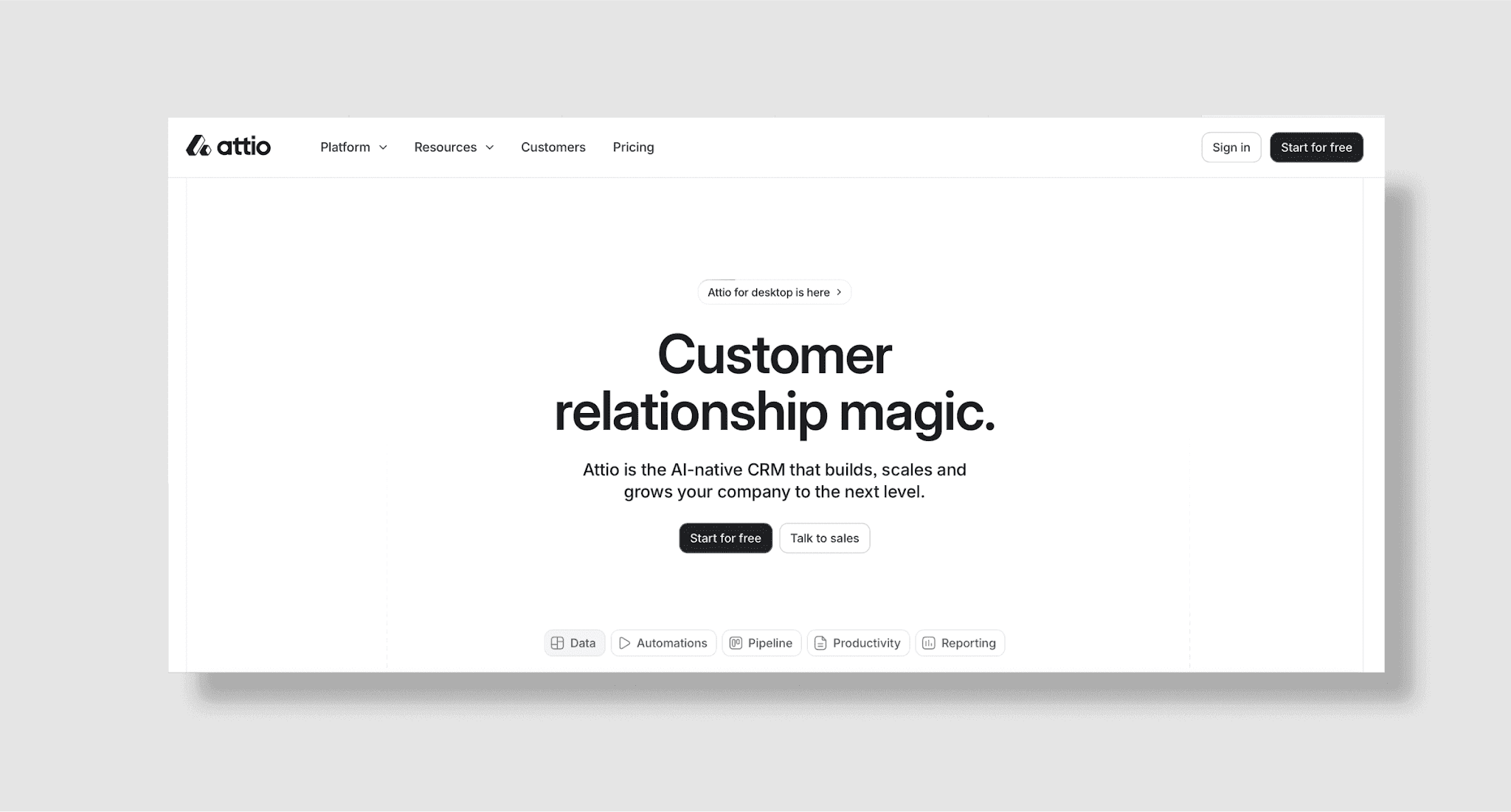
Attio is a modern CRM platform designed for fast-moving teams with customized workflows.
Key features:
Flexible data model: Customize objects, attributes, and relationships to fit unique business needs.
Workflow automation: Automate tasks, reminders, and data updates with no-code tools.
Real-time collaboration: Share notes, files, and updates instantly across your team.
Integrations: Connect with Slack, Google Workspace, and other popular tools for seamless workflows.
Pros:
Highly customizable and adaptable.
No-code automation for easy workflow setup.
Modern, intuitive interface.
Real-time collaboration features.
Cons:
Pricing can add up for larger teams.
No access to full deal data and investor portfolios.
Lack of company and investor prospecting.
Pricing: Free tier available; paid plans with advanced features.
Best for: Startups, agencies, and SMBs seeking a flexible CRM that adapts to unique processes.
4. Salesforce
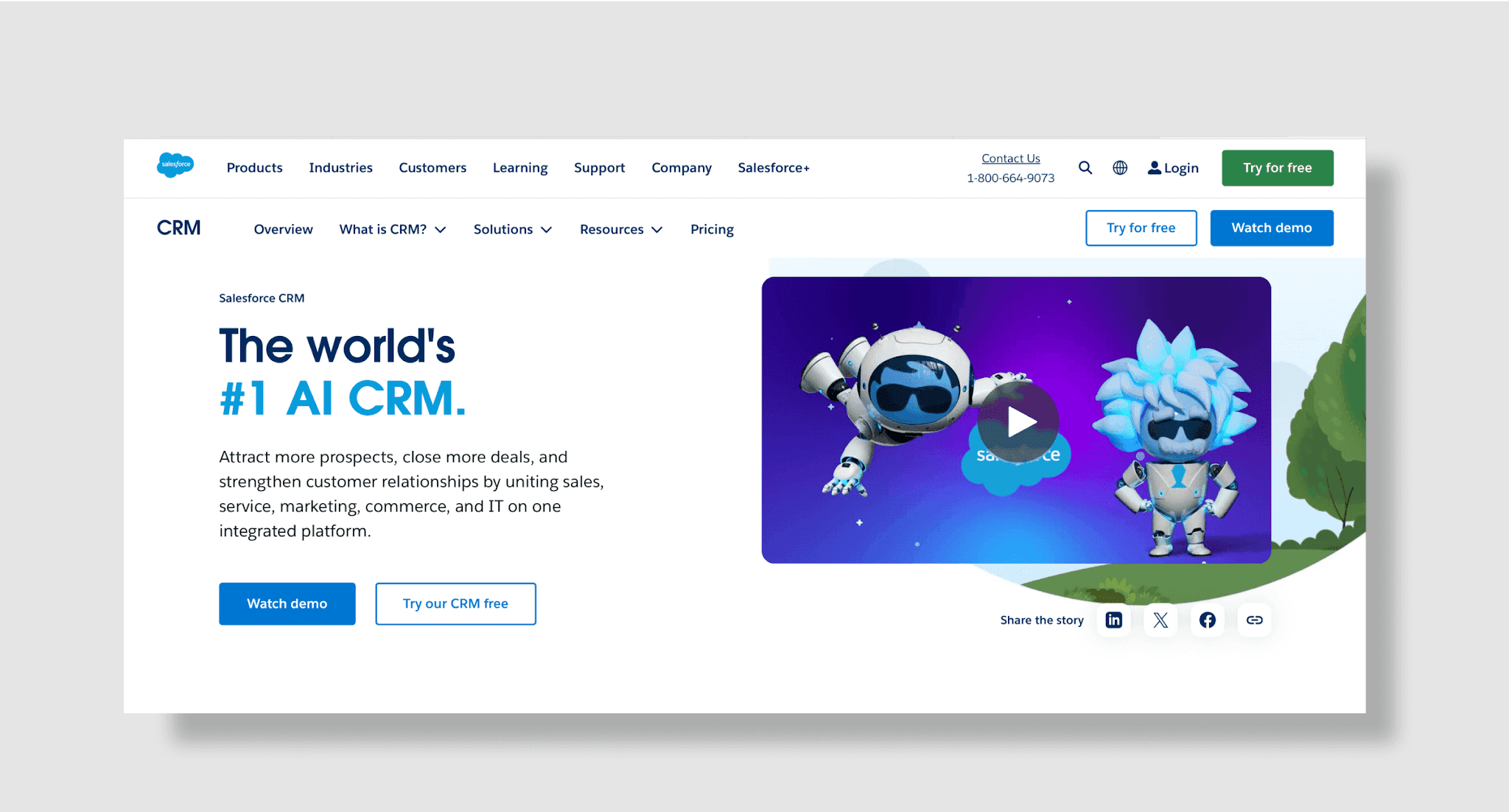
Salesforce remains a CRM powerhouse, equipped with Einstein AI and extensive third-party integrations.
Key features:
Einstein AI insights: Leverage predictive analytics, lead scoring, and automated recommendations to drive sales.
AppExchange ecosystem: Access thousands of integrations and add-ons to expand CRM capabilities.
Custom reporting: Create detailed dashboards and analytics for real-time business intelligence.
Enterprise scalability: Support global teams and intricate organizational structures.
Pros:
Highly customizable with a vast app ecosystem.
Advanced automation and gamification tools.
Trusted by global enterprises.
Cons:
Expensive, especially for small teams.
Complex setup requires IT support.
Pricing: Starts at $25/user/month.
Best for: Large enterprises needing scalability and AI-driven insights.
5. HubSpot
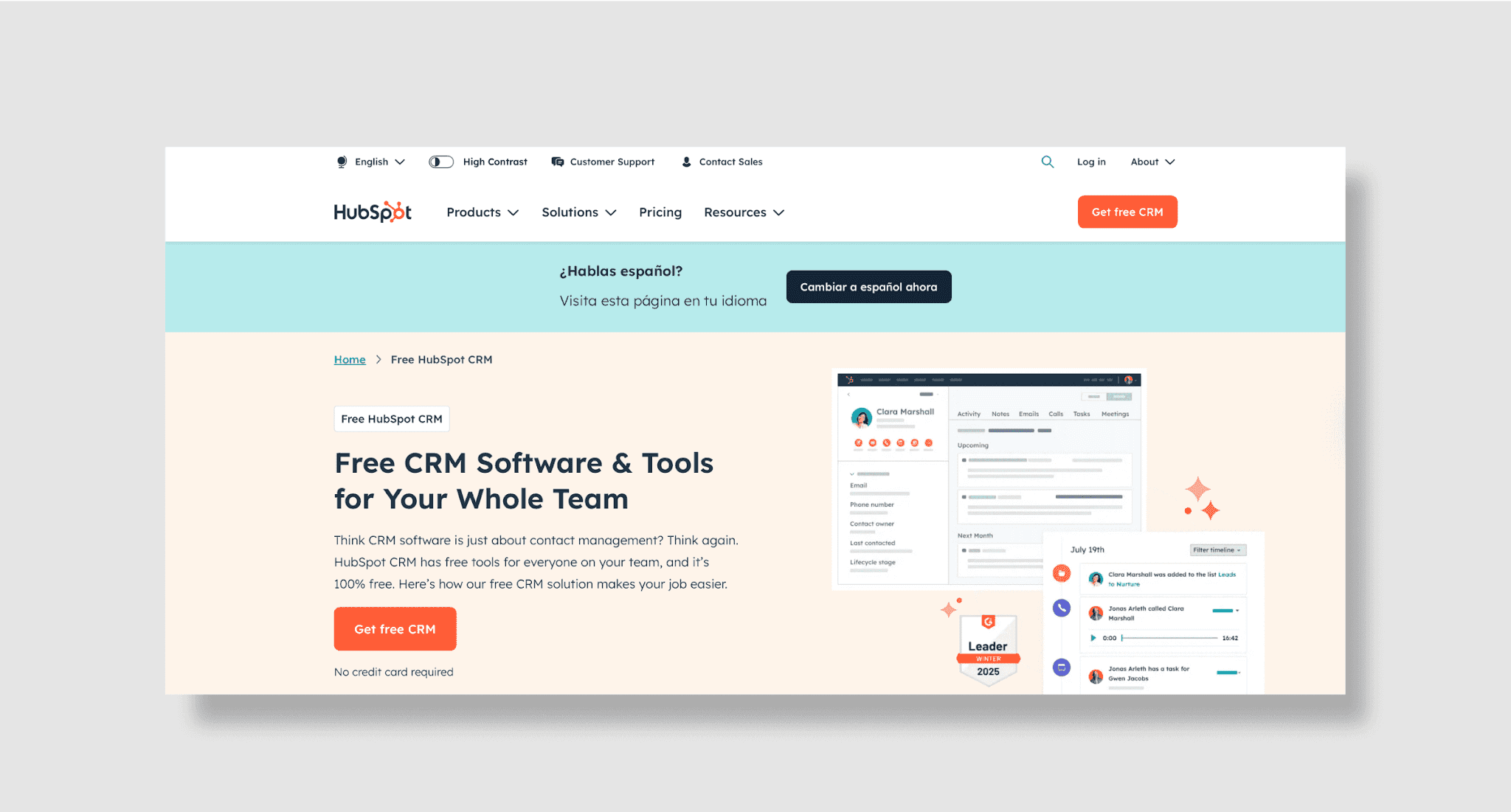
HubSpot’s free CRM is ideal for basic contact management, with upsells to marketing and sales tools.
Key features:
Free core CRM: Manage unlimited contacts, deals, and tasks with a forever-free plan.
Unified interaction timeline: Track every customer touchpoint, including email, calls, and meetings, in one place.
Built-in sales tools: Use email templates and scheduling to streamline outreach.
Growth add-ons: Expand with marketing, sales, and service modules as your business grows.
Drag-and-drop pipelines: Customize deal stages with visual tools.
Pros:
Free forever plan with no user limits.
Intuitive interface for beginners.
Strong marketing automation add-ons.
Cons:
Advanced features require costly upgrades.
Limited reporting in the free tier.
Pricing: Free; premium tools from $45/month.
Best for: Startups and solopreneurs needing a free CRM entry point.
6. Pipedrive
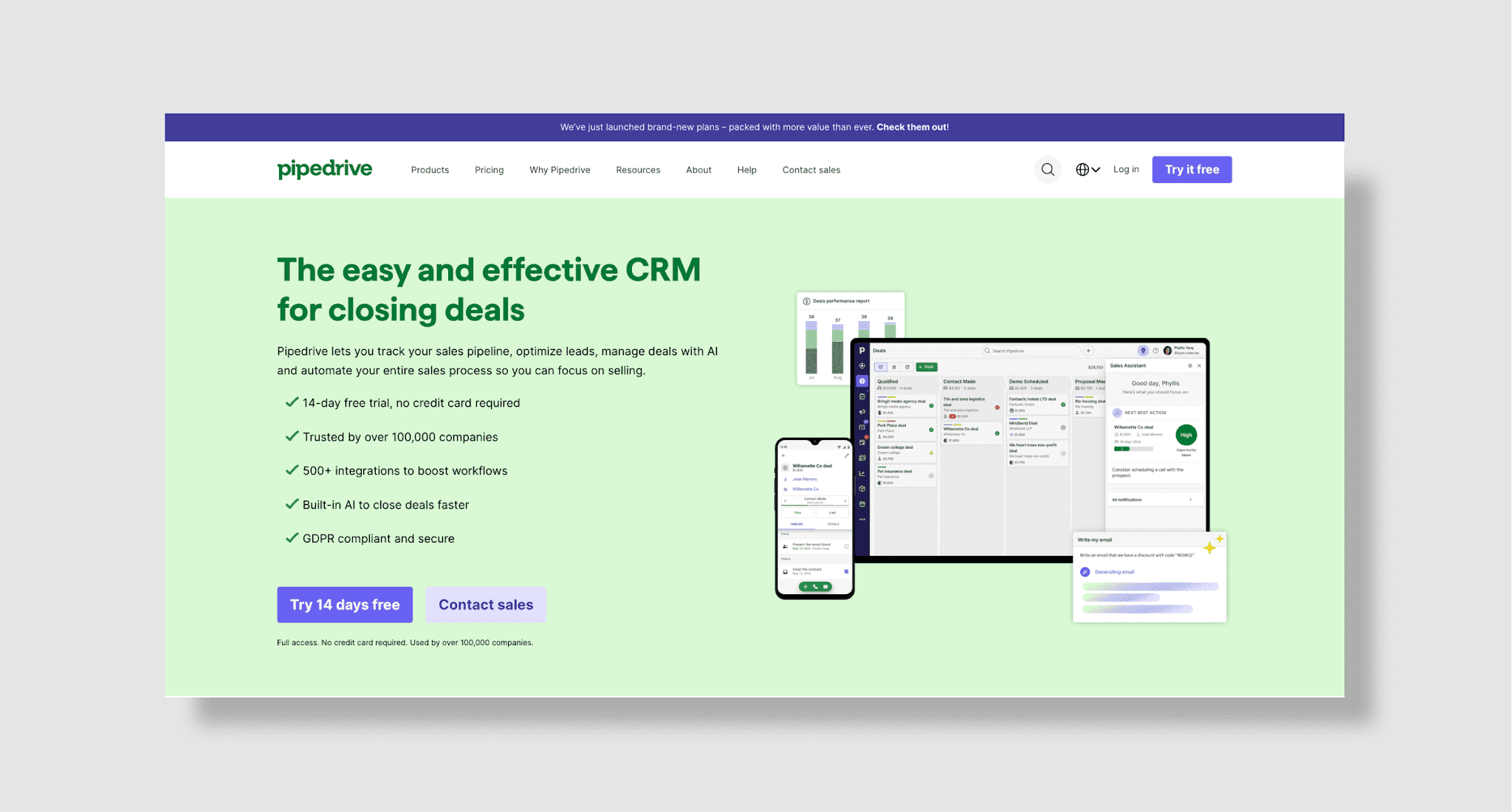
Pipedrive’s visual sales pipeline and AI-driven forecasts help teams focus on high-potential deals.
Key features:
Visual sales pipelines: Drag-and-drop deals through customizable stages for clear oversight.
AI sales assistant: Get proactive suggestions and revenue forecasts to focus on high-potential opportunities.
Integrated communication: Track emails, schedule meetings, and log calls directly in the CRM.
Mobile accessibility: Manage sales and pipelines from anywhere with the mobile app.
Pros:
Simple, intuitive interface.
Built-in call logging and email tracking.
Affordable for small teams.
Cons:
Limited beyond sales-focused workflows.
Basic customer support.
Pricing: Starts at $14.90/user/month.
Best for: Sales teams prioritizing pipeline visualization.
7. Monday.com
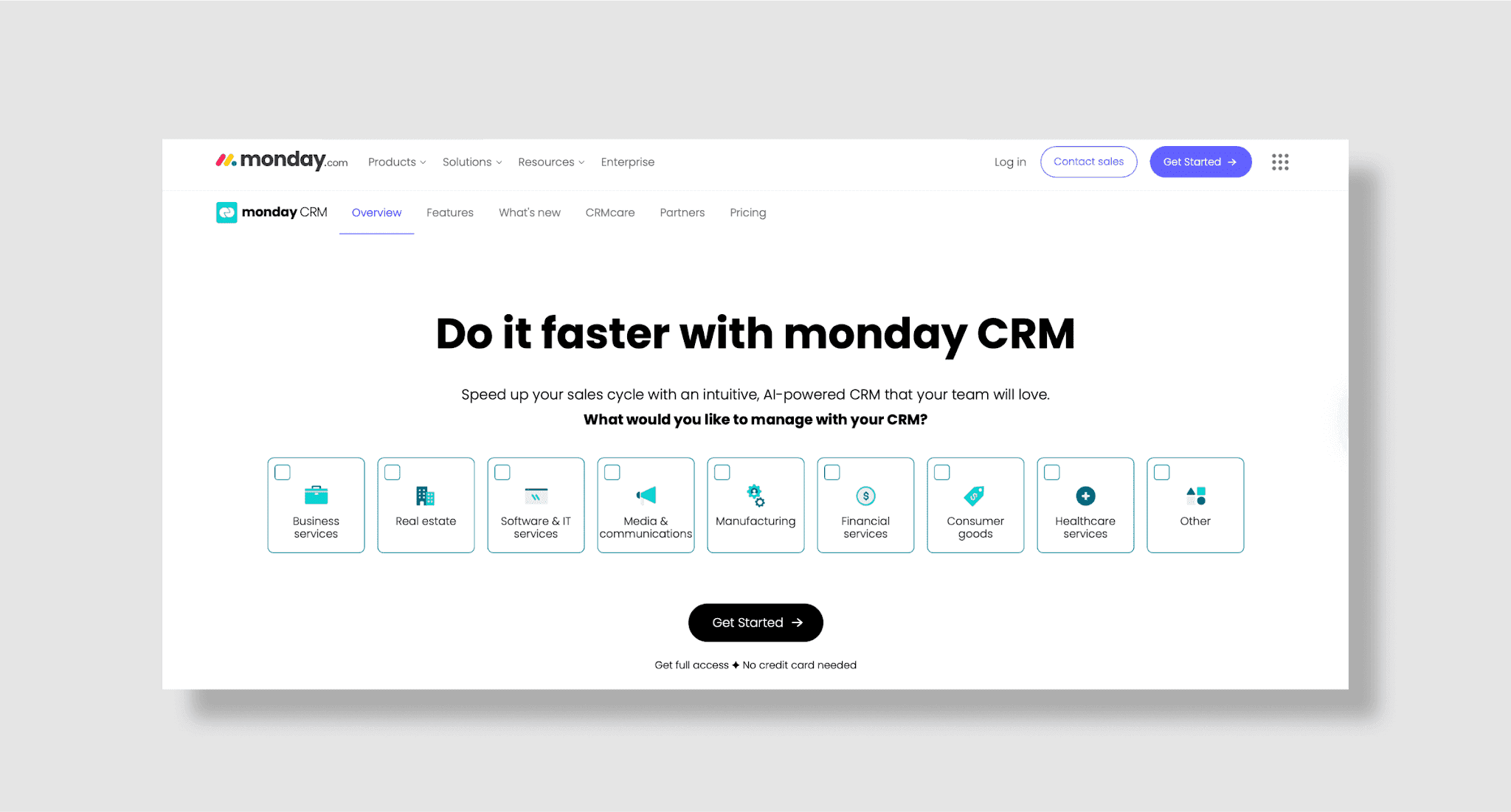
Monday.com blends CRM tools with customizable workflows for collaborative work environments.
Key features:
Customizable CRM boards: Build tailored workflows for leads, deals, and projects with ease.
Visual dashboards: Monitor sales performance and team workloads at a glance.
Robust integrations: Connect with Slack, Zoom, Google Workspace, and more.
AI-powered forecasting: Predict sales outcomes and prioritize leads using built-in AI tools.
Team collaboration: Share updates, files, and feedback within the platform for seamless communication.
Pros:
Highly visual and adaptable.
Integrates with Slack, Zoom, and Google Workspace.
AI-powered sales predictions.
Cons:
CRM features feel secondary to project tools.
Pricing escalates quickly.
Pricing: Starts at $19/user/month.
Best for: Teams wanting a project management-CRM hybrid.
8. Microsoft Dynamics 365
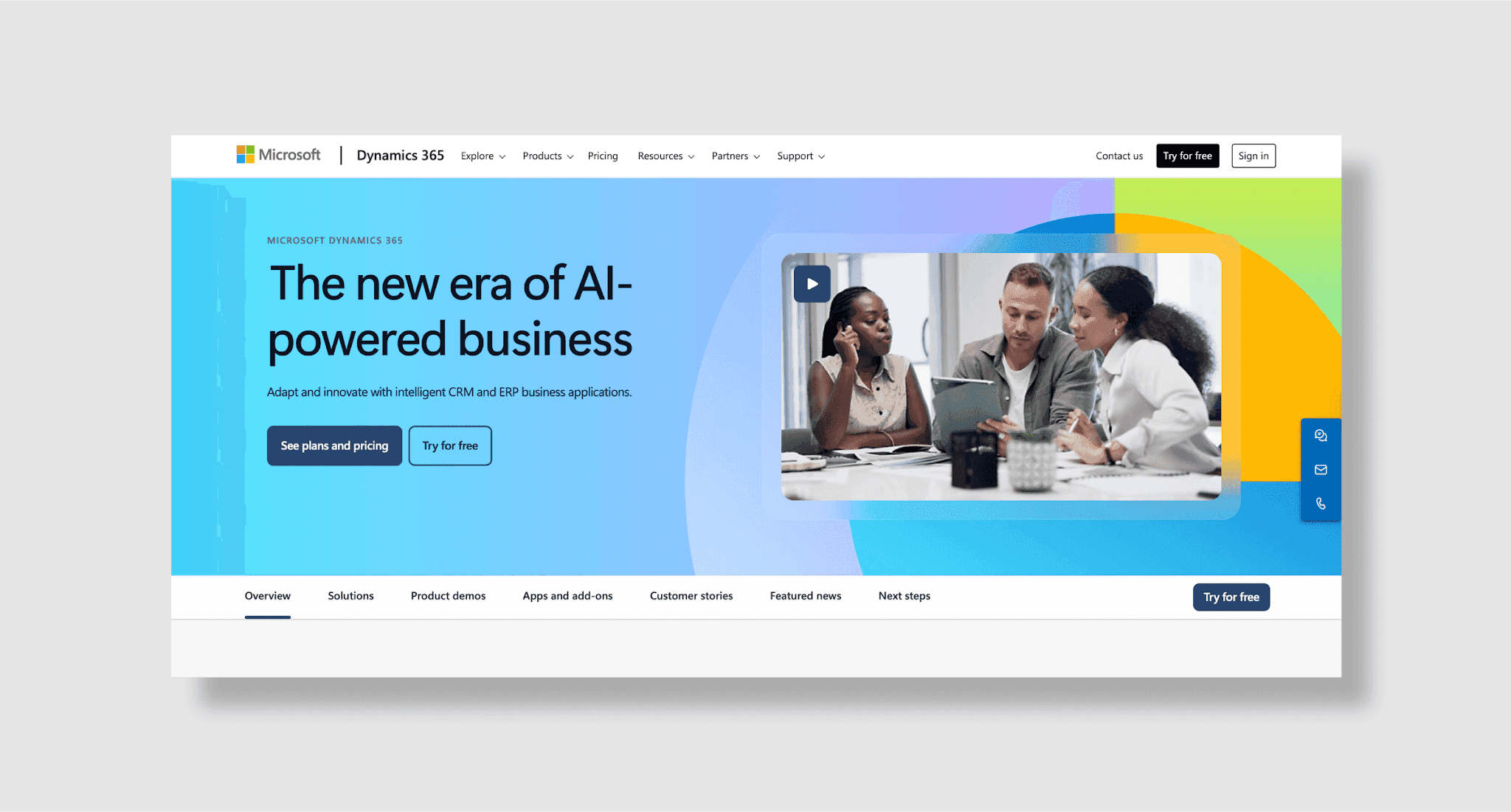
Microsoft Dynamics 365 merges CRM and ERP tools, offering deep integration with Office 365 and Power BI.
Key features:
Unified CRM & ERP: Manage sales, marketing, operations, and finance from a single platform.
Microsoft integration: Connect with Microsoft Outlook, Teams, Excel, and Power BI for enhanced productivity.
Customizable workflows: Automate processes using Microsoft Power Platform and tailor modules to your needs.
Enterprise scalability: Add modules for supply chain, service, and finance operations as your organization grows.
Pros:
Seamless Microsoft product integration.
Advanced AI and predictive analytics.
Scalable for large organizations.
Cons:
Complex setup and customization.
Custom pricing lacks transparency.
Pricing: Custom quotes.
Best for: Enterprises invested in the Microsoft ecosystem.
9. Zoho CRM
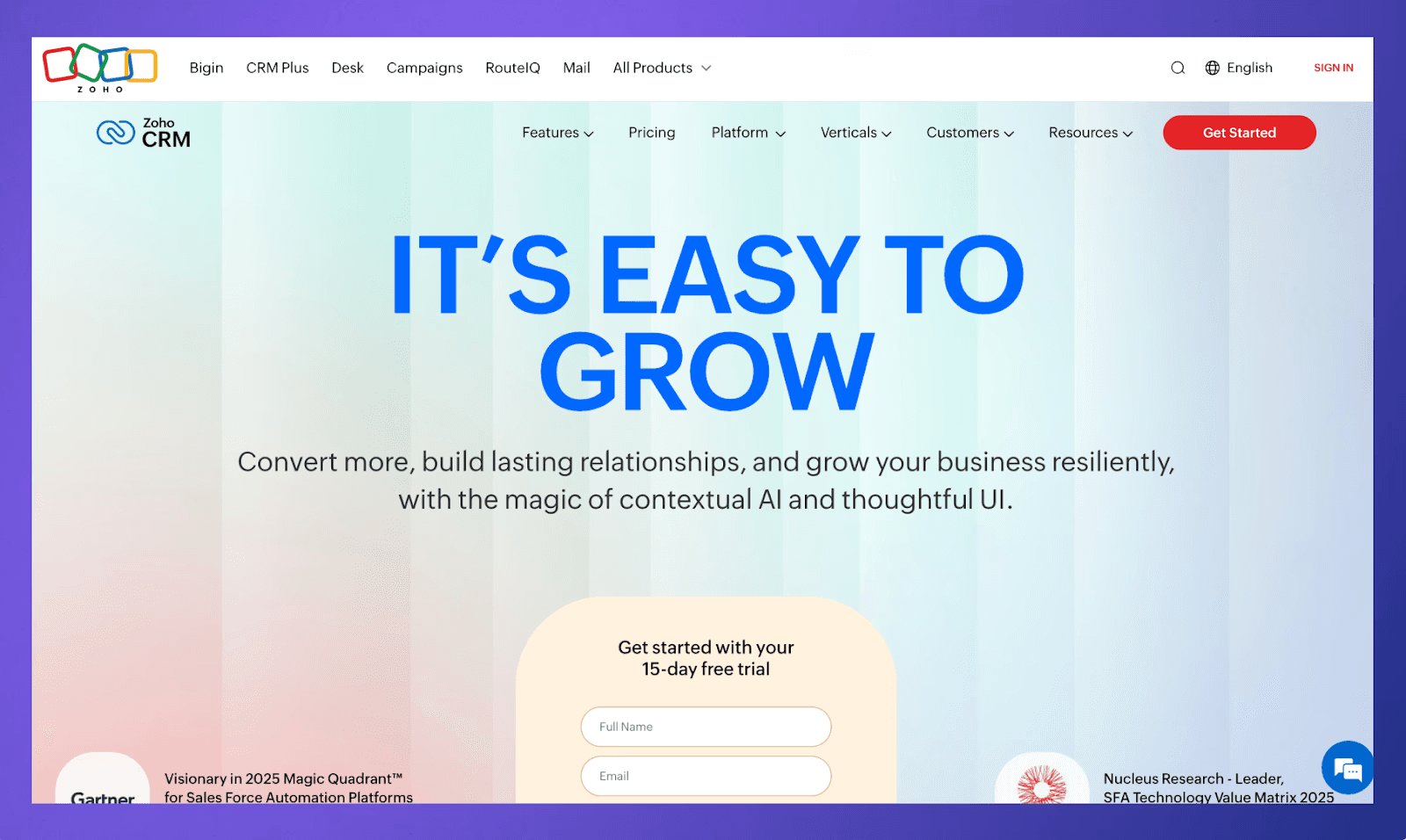
Zoho CRM is a process-heavy CRM platform built for businesses that need deeper workflow control, multi-channel customer engagement, and operational flexibility without enterprise software costs.
Key features:
Blueprint process management: Create guided sales processes with rules, approvals, and stage-specific actions to standardize workflows.
Territory management: Assign leads and accounts based on geography, product line, or team structure.
SalesSignals notifications: Get real-time alerts when prospects interact with emails, forms, social channels, or your website.
Forecasting tools: Monitor pipeline health and generate sales forecasts based on deal progress and team performance.
Marketplace integrations: Connect Zoho CRM with hundreds of business apps, including accounting, marketing, support, and collaboration tools.
Pros:
Well-suited for businesses with complex sales processes.
Strong balance between affordability and advanced functionality.
Broad ecosystem support for scaling operations.
Cons:
UI can feel cluttered compared to modern CRM competitors.
Advanced features may require higher-tier plans.
Pricing: Starts at $14/user/month.
Best for: Growing businesses that need customizable workflows, process automation, and operational control across teams.
Check out our detailed Zoho CRM review to understand whether it’s the right fit for your business.
10. Freshsales
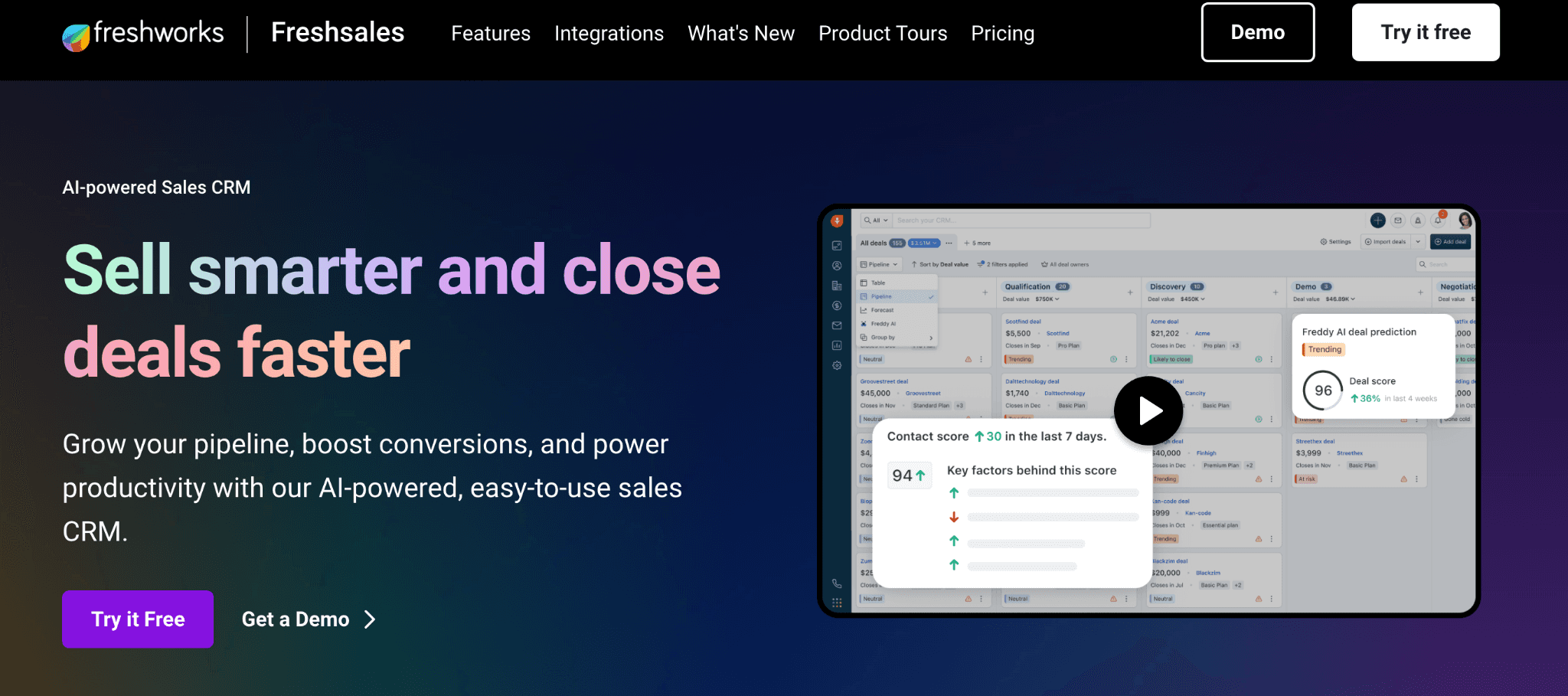
Freshsales is one of the best CRM software focused on helping teams manage conversations, qualify leads faster, and reduce manual follow-up work through built-in AI and communication tools.
Key features:
Unified customer timelines: View every customer interaction, including emails, calls, meetings, and website activity, in one place.
Built-in cloud telephony: Make, record, and manage sales calls directly inside the CRM.
Deal insights and forecasting: Track pipeline trends and identify deals at risk with AI-driven recommendations.
Journey builder automation: Create automated sales sequences and engagement workflows for leads and prospects.
Behavior-based segmentation: Group leads based on engagement activity, lifecycle stage, or custom actions.
Pros:
Combines CRM and communication tools in one platform.
Fast setup with minimal technical overhead.
Useful AI features for small and mid-sized teams.
Cons:
Reporting depth is limited compared to enterprise CRMs.
Customization flexibility may not suit highly complex organizations.
Pricing: Free plan available; paid plans start at $9/user/month.
Best for: Sales teams that want an easy-to-manage CRM with built-in calling, automation, and lead engagement features.
11. Copper CRM
Copper CRM Copper is a lightweight CRM built specifically for companies that run most of their work inside Google Workspace and want relationship management embedded directly into their daily workflows.
Key features:
Native Gmail integration: Manage contacts, deals, and tasks directly from Gmail without switching tabs.
Google Calendar syncing: Automatically log meetings and schedule follow-ups using synced calendar activity.
Pipeline visibility: Track opportunities through customizable pipelines with drag-and-drop updates.
Project and task management: Assign internal tasks and manage post-sale workflows alongside deal tracking.
Workflow automation: Automate repetitive actions like follow-up reminders, status updates, and contact enrichment.
Pros:
Seamless experience for Google Workspace users.
Simple interface with quick onboarding.
Strong automation for small business workflows.
Cons:
Limited scalability for enterprise sales organizations.
Reporting and forecasting tools are less advanced than larger CRM platforms.
Pricing: Starts at $9/user/month.
Best for: Small businesses and agencies that primarily work inside Google Workspace and want a simple relationship-focused CRM.
12. Pipeline CRM
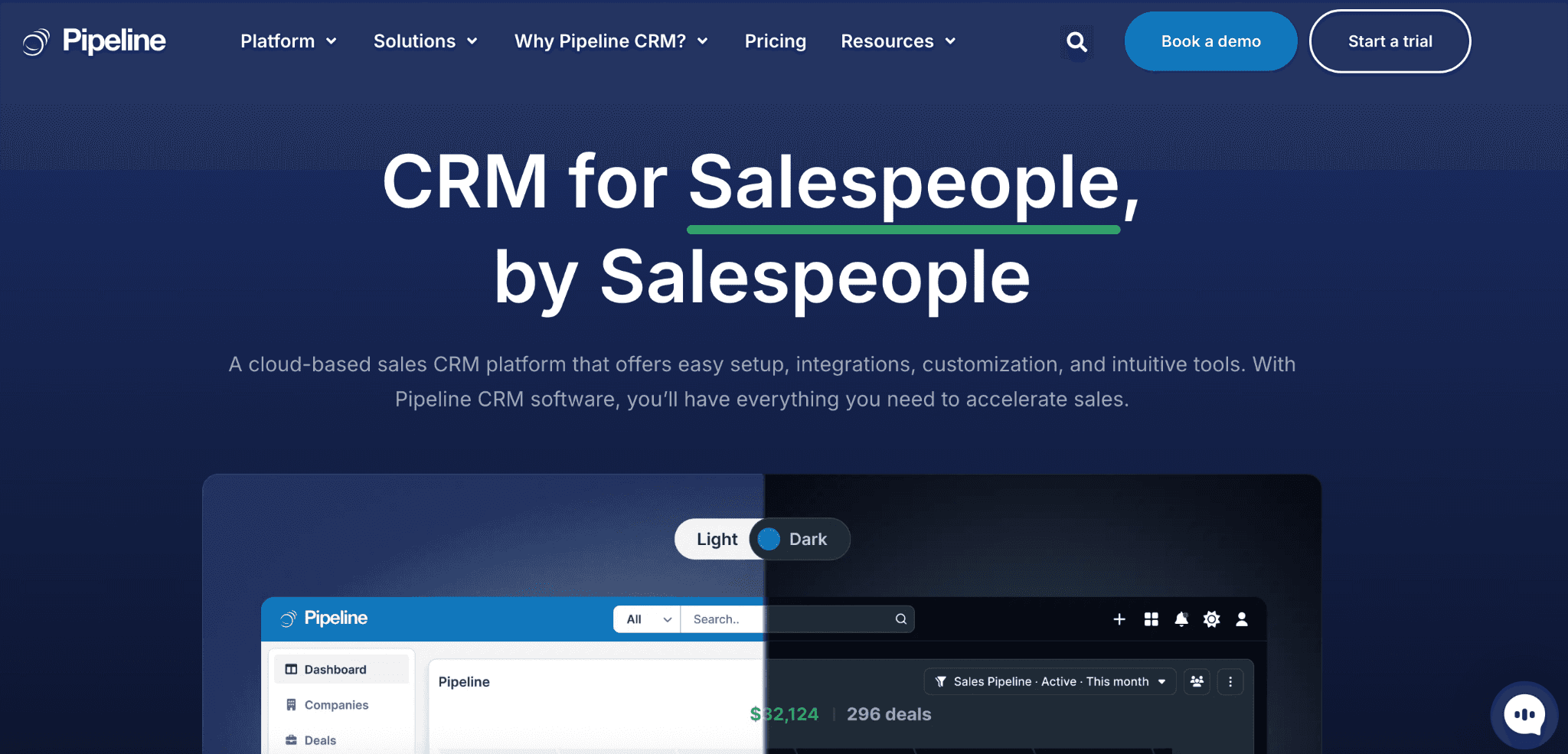
Pipeline CRM is designed for teams that want an easy way to manage deals, automate follow-ups, and keep pipelines organized without the complexity of larger enterprise platforms.
Key features:
Custom sales pipelines: Create and manage deal stages tailored to your sales process.
Email sync and tracking: Connect inboxes to track conversations, open rates, and customer engagement.
Workflow automation: Automate reminders, task assignments, and repetitive sales activities.
Contact and deal management: Store customer information, notes, files, and interaction history in one place.
Sales reporting dashboards: Monitor deal progress, rep activity, and revenue forecasts through visual reports.
Pros:
Simple interface with quick onboarding.
Affordable pricing for smaller sales teams.
Useful automation features without heavy setup requirements.
Cons:
Limited advanced customization for enterprise use cases.
Fewer third-party integrations compared to larger CRM ecosystems.
Pricing: Starts at $29/user/month.
Best for: Small and mid-sized sales teams looking for a lightweight CRM focused on pipeline visibility and sales productivity.
13. Close
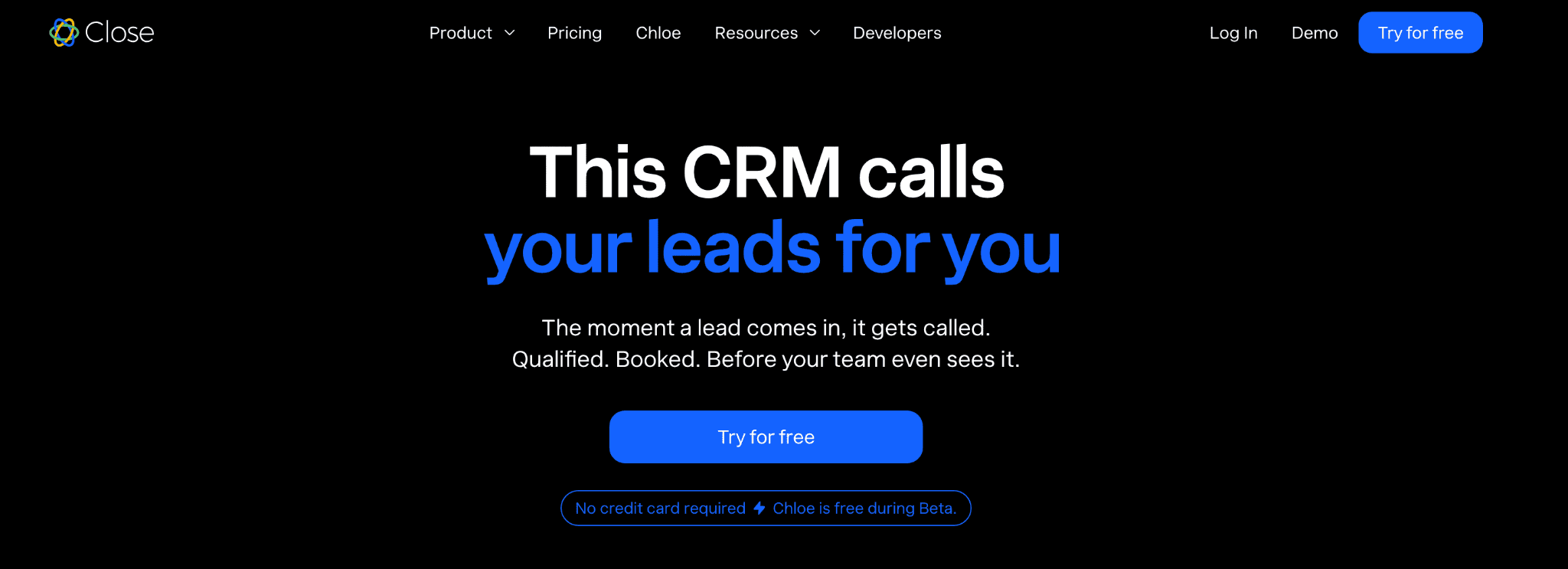
Close is a sales-focused CRM designed for outbound teams that rely heavily on calling, email outreach, and follow-up automation to close deals faster.
Key features:
Built-in calling and SMS: Make calls and send text messages directly inside the CRM without third-party tools.
Power dialer and predictive dialer: Increase outbound efficiency by automating call workflows for reps.
Multichannel outreach sequences: Build automated email and follow-up sequences across different communication channels.
Smart search filters: Segment leads using advanced filtering based on activity, engagement, or deal stage.
Call coaching tools: Access call recordings, summaries, and analytics to improve sales performance.
Pros:
Strong platform for outbound and inside sales teams.
Excellent built-in communication tools.
Easy setup with minimal admin complexity.
Cons:
Limited marketing and customer service functionality.
Less suitable for businesses with highly complex sales operations.
Pricing: Starts at $19/user/month.
Best for: Outbound sales teams and startups focused on high-volume outreach and fast-moving pipelines.
11 Factors to Consider When Choosing a CRM
Selecting the right CRM is a strategic decision that can impact your business relationships and results for years to come.
So, when choosing the best CRM software for your business, consider these key factors to weigh your options:
Business objectives: Define what you want to achieve with your CRM. Are you looking to improve sales, deliver better customer service, streamline operations, find new business opportunities and investor relationships, or all of the above?
Department needs: Involve all stakeholders, from sales and marketing to support and IT teams, to ensure the CRM meets their unique pain points.
Feature set: Besides core CRM functionality, consider advanced capabilities such as relationship intelligence, network mapping, and AI-powered opportunity discovery if your business relies on complex relationships.
Customization: Look for platforms that allow you to customize your workflows and dashboards to your business processes without costly development work.
Integration capabilities: Ensure the CRM can connect with your email, calendar, marketing, and accounting software to easily sync data and optimize workflows.
Scalability: Choose a system that can grow with your business, handling more users and complex processes as you expand.
Ease of use: Pick a CRM that’s intuitive and minimizes training time for your team.
Mobile accessibility: With remote work and on-the-go teams, mobile apps and responsive design are essential.
Security and privacy: Make sure your CRM can protect sensitive customer and business data with robust security features and privacy controls.
Cost: Consider not just CRM subscription fees, but also the potential costs of implementation, training, and maintenance.
Vendor support: If you have to troubleshoot an issue or ask a question about customization, you’ll want access to reliable customer support services.
Upgrade to the Future of Relationship Management
While every business has different requirements, the best CRM software helps teams build stronger relationships, improve visibility, and create more opportunities. For organizations that rely on complex networks, investor relationships, strategic partnerships, and long-term business development, Rings AI provides deeper relationship intelligence alongside traditional CRM capabilities.
Rings AI eliminates manual data entry, connects siloed teams, and turns relationship data into actionable insights, helping teams uncover opportunities and strengthen valuable business relationships.
Book a demo to see how Rings AI can work for your team.