
Most of us hit a point where our network outgrows our memory. You meet someone at a conference, have a great conversation, and then six months later, you cannot remember their name or what you talked about. Sticky notes, spreadsheets, and scattered contact lists only make it worse.
A personal CRM fixes this. It gives you a single place to track the people you know, the context behind each relationship, and the follow-ups you need to stay on top of. Whether you are an investor managing hundreds of founder relationships or a consultant keeping tabs on clients and referral partners, the right personal CRM turns your network from a loose collection of contacts into something you can actually use.
In this guide, we will break down what a personal CRM is, and five tools worth considering with their key features and pricing.
5 Personal CRMs Worth Considering
There are a lot of options in this space, ranging from lightweight apps built for individuals to more robust platforms designed for teams. Here are five tools that can be a great contender to be your personal CRM
1. Rings AI
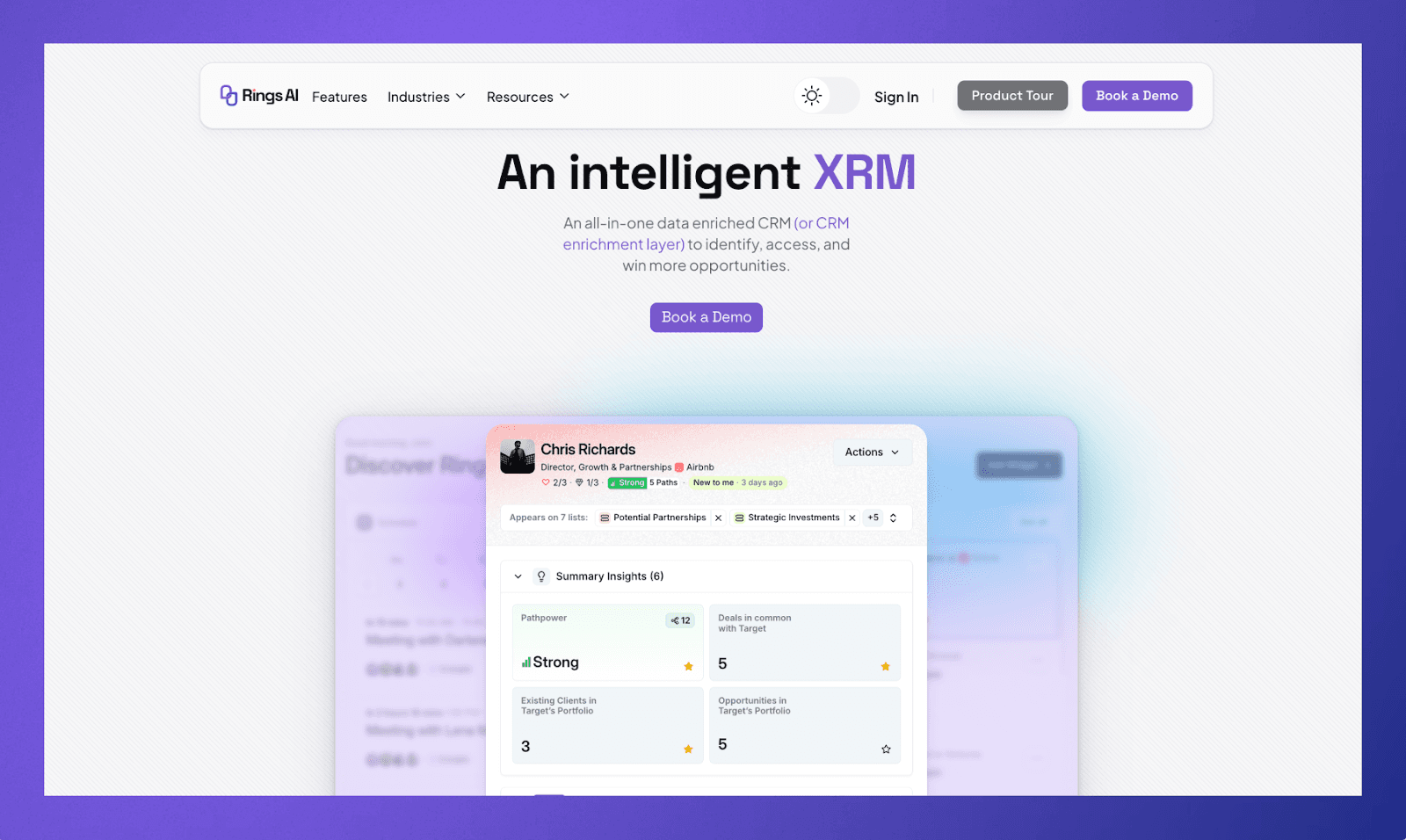
Rings AI is a CRM built for people whose work depends on long-term relationships. What makes it different from most personal CRMs is the depth of data it works with.
Rings automatically pulls in your email and meeting history, maps your network using email and LinkedIn activity, and keeps all of your notes, files, and deal history organized at the person and company level. Because of all that context, its AI features can do things like generate meeting prep documents, summarize your history with a contact, and answer questions about your own knowledge base.
Key Features
Automatic email and meeting capture across your team
Relationship strength scoring based on email and LinkedIn activity
Team-wide network mapping so you can see who knows who
AI-powered meeting prep, relationship summaries, and note search
Flexible deal and process management modules
7,000+ integrations
Pricing
Contact Rings AI for pricing. Book a demo to see the platform.
2. Dex
Dex is a lightweight personal CRM focused on one thing: helping you stay in touch with people. It syncs with your LinkedIn, Google contacts, email, and calendar to pull your network into one place, and then it reminds you to reach out to the people you care about.
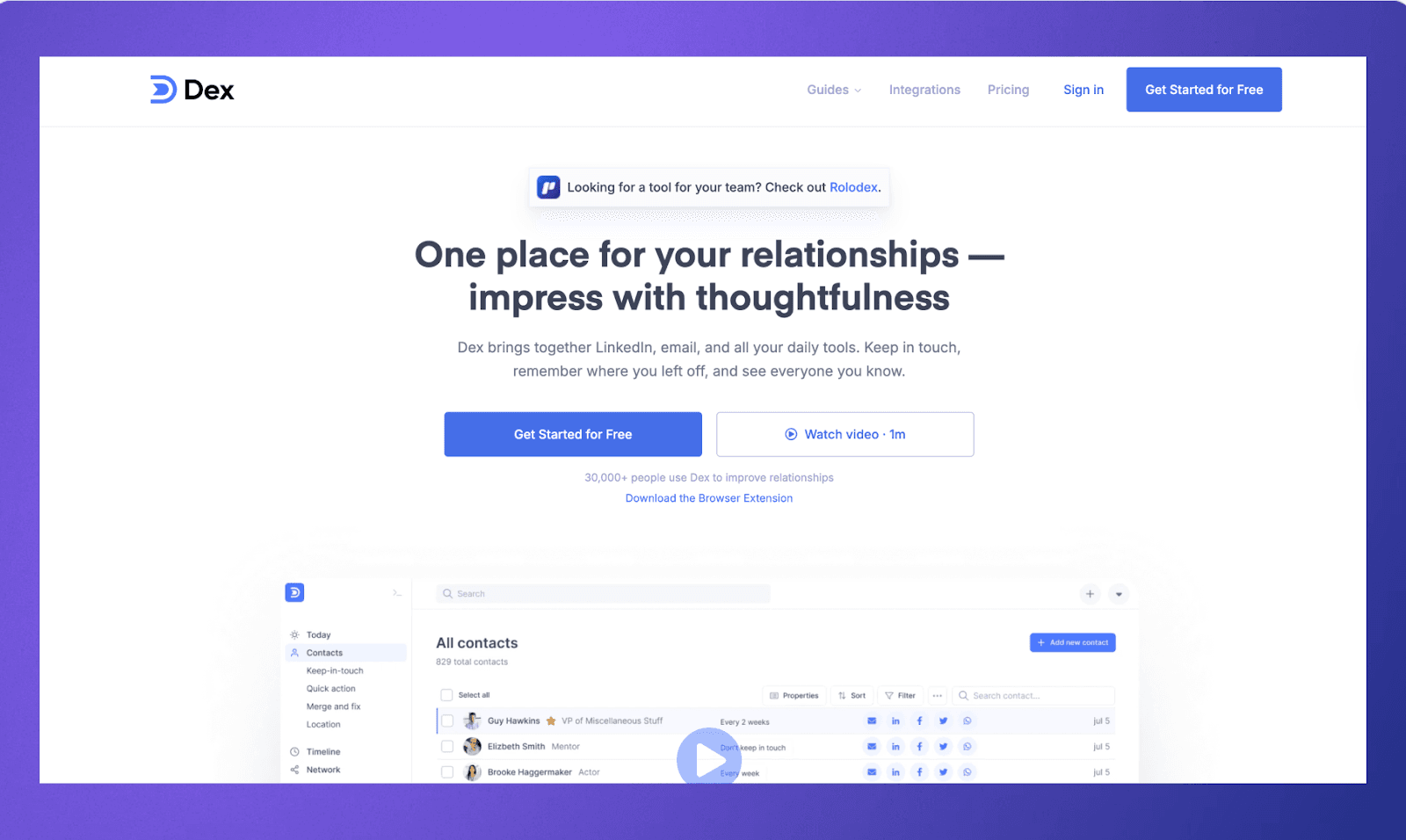
It is not trying to be a full business CRM. There are no deal pipelines or team features. But if you are an individual professional who just needs a clean, simple way to track relationships and set follow-up reminders, Dex does that well. The Chrome extension makes it easy to add contacts directly from LinkedIn, and the mobile app lets you manage things on the go.
Key Features
Syncs with LinkedIn, Gmail, Google Calendar, and iCloud contacts
Follow-up reminders and birthday notifications
Notes and tags for each contact
Chrome extension for quick contact capture
Mobile and desktop apps
Pricing
Premium plan starts at $12/month and includes LinkedIn sync, email and calendar integrations, mobile and desktop apps, and custom fields.
The Professional plan is $20/month and adds features like mail merge, Outlook integration, API/Zapier access, and priority support.
Both plans are also available on quarterly and annual billing. You can try it for free before committing to a paid plan.
3. Clay
Clay takes a more design-forward approach to personal CRM. It automatically builds your contact list from your email, calendar, LinkedIn, Twitter, iMessage, and other sources, and then keeps that information updated in the background. When someone in your network changes jobs, moves cities, or gets mentioned in the news, Clay surfaces it.
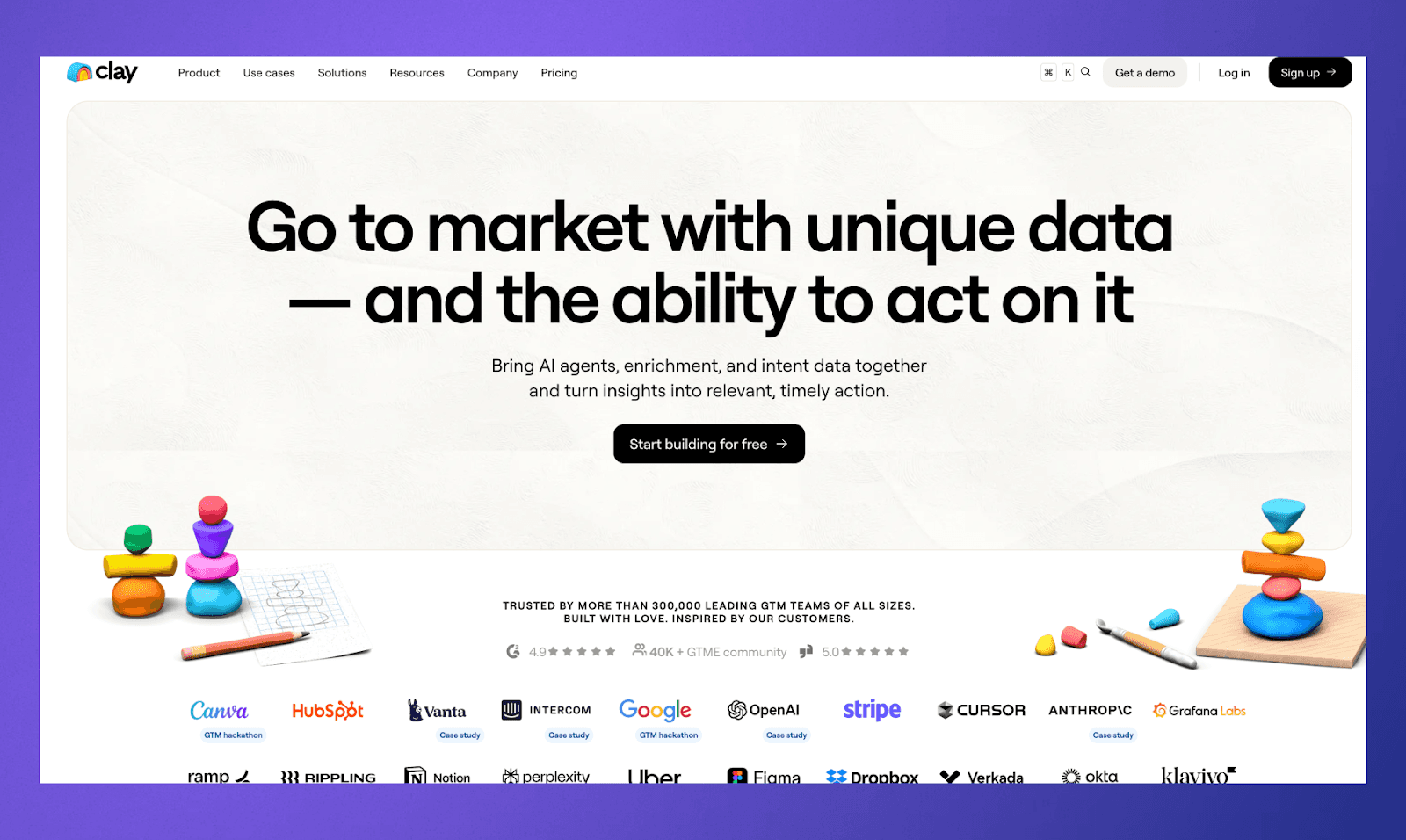
The standout feature is its "Review" dashboard, which curates reconnection prompts based on your activity and relationships. It is available on Mac, Windows, iOS, and the web.
Key Features
Automatic contact aggregation from email, calendar, social media, and messaging apps
Real-time life updates like job changes, location changes, and news mentions
Reconnect suggestions and follow-up reminders
Groups and search for organizing contacts
Cross-platform apps for Mac, Windows, iOS, and web
Pricing
Clay offers a free Personal plan that includes up to 1,000 contacts, imports from email, calendar, LinkedIn, Twitter, iMessage, and more, plus life updates like job changes and news mentions. For more, there are paid tiers:
Pro: $10/month billed annually (or $20/month monthly). Adds unlimited contacts, CSV imports, priority support, and faster data refreshes.
Team: $40/seat/month billed annually (or $49 monthly). Adds up to 4 team members, advanced data enrichment, and admin controls.
Enterprise: Custom pricing for unlimited team members, VIP data imports from 100+ tools, SOC 2 Type II certification, and a dedicated success manager.
Clay also offers a 14-day free trial of Pro so you can test the full feature set before committing.
4. Folk
Folk is a CRM that looks and feels like a spreadsheet, which is intentional. If you have ever tried to run your contact management out of Notion or Airtable, Folk gives you that same flexibility but with CRM features built in. You can create custom pipelines, send bulk personalized emails, and use a Chrome extension to add contacts from LinkedIn and Gmail in one click.
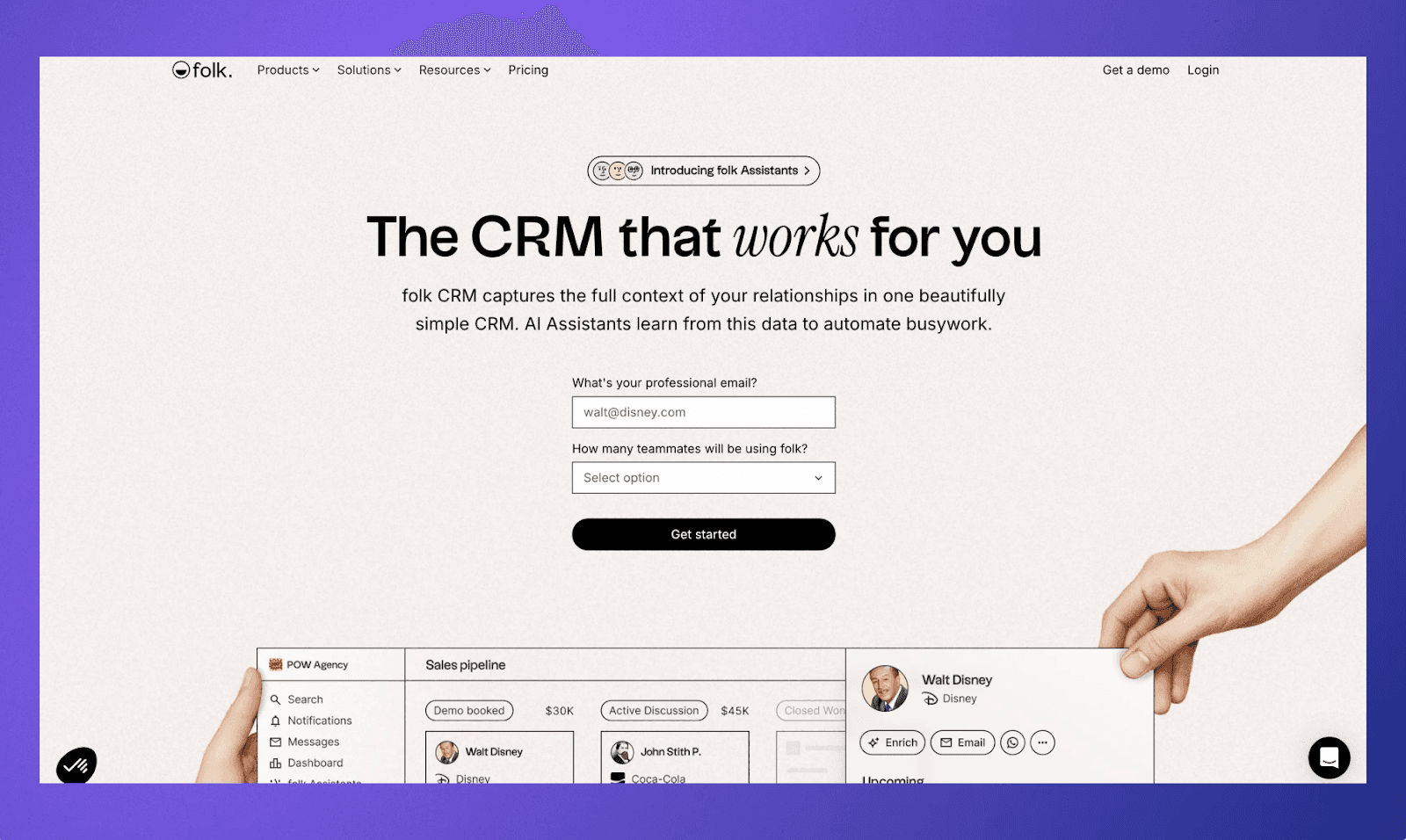
It is more team-oriented than the other tools on this list. Folk supports shared workspaces, collaborative pipelines, and contact enrichment features that automatically fill in details like email addresses and phone numbers. For small teams that need something between a spreadsheet and a full enterprise CRM, it hits a useful middle ground.
Key Features
Spreadsheet-style interface with drag-and-drop pipelines
Chrome extension for adding contacts from LinkedIn and Gmail
Contact enrichment to auto-fill missing details
Mail merge for personalized bulk emails
Shared workspaces and team collaboration
Integrates with Google Workspace, Outlook, Zapier, Slack, and more
Pricing
Folk offers a 14-day free trial with no credit card required. After that, there are three paid plans:
Standard: $20/member/month billed annually ($25 monthly). Includes pipeline management, email campaigns, contact enrichment, AI assistants, LinkedIn extension, email/calendar/WhatsApp sync, and 5,000+ integrations.
Premium: $40/member/month billed annually ($50 monthly). Adds custom objects and deals, email sequences, dashboards, API access, advanced roles and permissions, and full interaction history.
Custom: Starting at $80/member/month billed annually ($100 monthly). Adds custom limits, dedicated support, custom billing, and a dedicated point of contact.
5. Monica
Monica is an open-source personal CRM built for tracking personal relationships, not business ones. It lets you log interactions, store notes, set reminders for birthdays and important dates, and keep track of things like gifts, debts, and family connections.
The privacy angle is the main draw. Because it is open source, you can self-host it on your own server for free if you want full control over your data. The hosted version is available for a subscription if you prefer not to manage the technical side. There are no mobile apps, but the web interface is clean and straightforward.
Key Features
Log interactions, notes, and conversation details for each contact
Automatic birthday reminders and custom date tracking
Gift tracking and debt management
Activity logs and journaling
Self-hosted option for full data ownership
Open-source with an active community
Pricing
It's free if self-hosted. Hosted version is $9/month or $90/year.
Choose Rings AI as Your Personal CRM
Rings AI is not trying to be everything to everyone. It is purpose-built for people whose business runs on relationships, and it does that job well.
Personal CRMs often stop at contact storage. You get a place to log names and notes, but the deeper context behind your relationships still lives across your inbox, calendar, LinkedIn, and a dozen other tools. Rings AI was built to change that. You get:
Automatic activity capture. Rings pulls in your email and meeting history automatically. Every conversation you have had with a person is already there when you need it. No manual data entry, no copy-pasting from Gmail.
Network mapping with depth. It analyzes your email and LinkedIn activity to show you not just who you know but how well you know them, across your entire team.
Relationship-level context. Notes, emails, meetings, files, and deal history all live at the person and company level. Nothing gets buried inside a single deal or opportunity that eventually gets archived.
AI that actually has enough data to be useful. Rings can generate meeting prep documents that pull from your past emails, notes, and web research. It can answer questions about your knowledge base and summarize your history with any contact in seconds, not the 30 minutes it would take to dig through your inbox manually.
Book a demo to see how Rings AI can help you maintain your network.