

Deal teams spend a significant portion of their time outside the office, moving between meetings, travel, and events. Access to relationship data during these moments directly affects how conversations are handled and how follow-ups are executed.
Most CRM systems are designed for desktop use, which limits access to full context when it is needed most. Reviewing prior interactions, checking recent emails, or preparing for a meeting often requires switching between tools or waiting until returning to a laptop.
A mobile CRM should provide immediate access to contact history, communication records, and team-wide context without added friction. Rings AI’s mobile app allows teams to stay informed and coordinated while operating in the field.
Why Mobile Access Matters for Deal Teams
Deal teams operate across meetings, travel, and live deal activity, where access to the current relationship context is required without delay. Mobile access supports faster preparation and more consistent communication during these interactions.
Preparing before meetings - Access to prior emails, notes, and interactions allows teams to review context immediately before conversations.
Accessing relationship history on the go - Full visibility into past discussions and connections supports more informed engagement without returning to a desktop
Capturing notes immediately after interactions - Recording details in real time reduces information loss and keeps records accurate.
Staying coordinated across the team - Updates made on mobile remain visible to the broader team, supporting consistent follow-up and communication.
Systems that provide this level of access help maintain continuity across interactions.
Limitations of Mobile CRM Apps for Investor Teams
Mobile CRM apps often provide partial access to data, which reduces their usefulness during active workflows. For investor teams, missing context or delayed updates can affect both preparation and follow-up.
Limited visibility into the full relationship history compared to desktop versions
Navigation that prioritizes basic contact data over deeper interaction context
Delays in syncing emails, notes, and updates across devices
Interfaces designed for general sales use rather than investor workflows
Difficulty accessing team-wide context while on mobile
These limitations reduce consistency in how teams manage interactions outside the office.
Learn more about deal flow management.
5 Best Mobile CRM Apps for VCs and Deal Teams
Selecting a mobile CRM requires evaluating how well each system provides access to relationship context, supports real-time updates, and maintains consistency across devices. The following tools are commonly used by investor teams, with different approaches to mobile functionality.
Rings AI (Best for relationship context on the go)
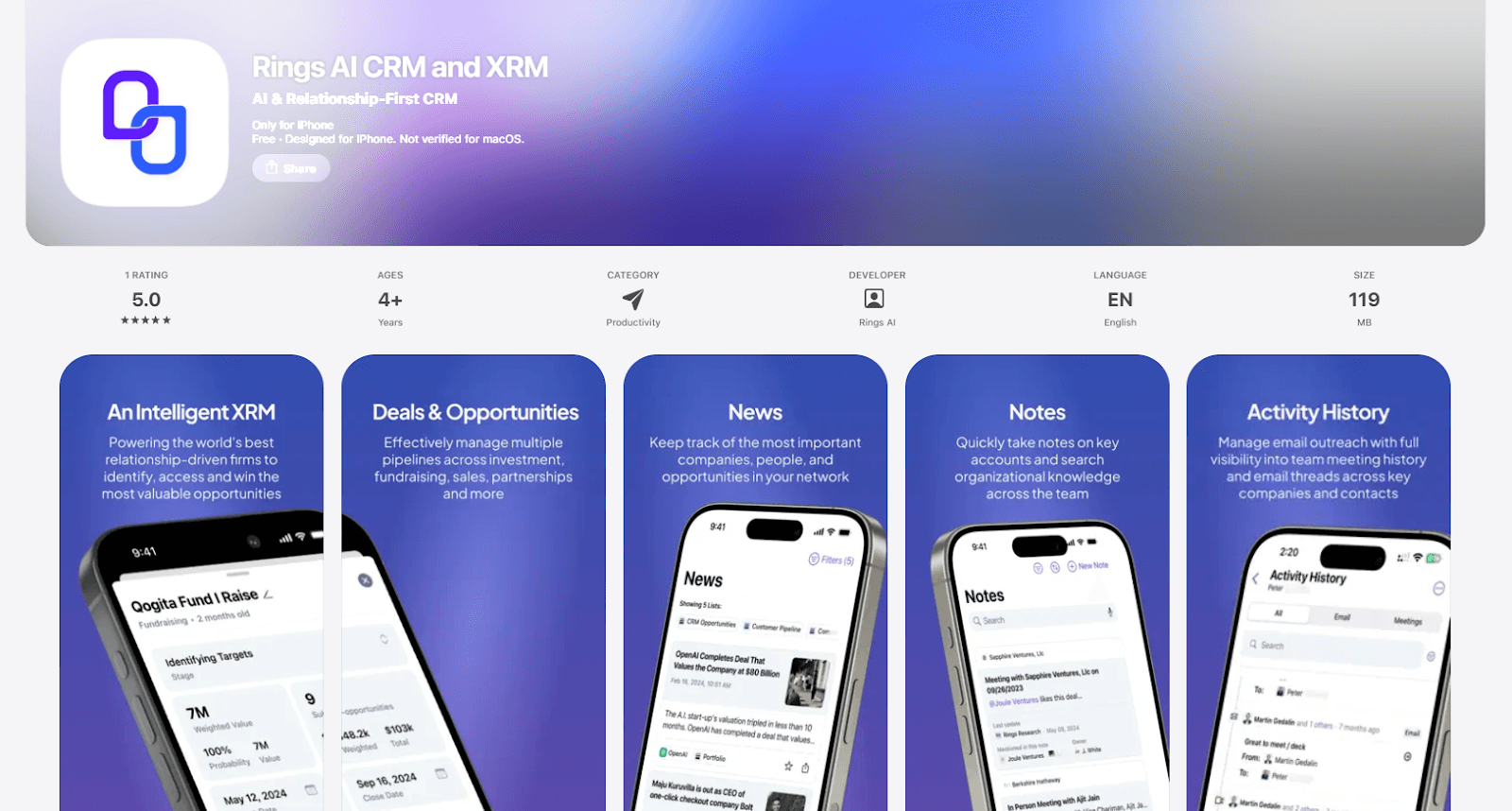
Rings AI is designed to provide full access to relationship data on mobile, allowing deal teams to review interactions, prepare for meetings, and capture updates without relying on a desktop.
Complete interaction history on mobile
Emails, meetings, and notes are accessible in one place, ensuring full context before and after conversationsReal-time access to relationship data
Updates are reflected immediately, supporting consistent communication during active workflowsTeam-wide visibility on mobile
Access to shared relationship context across the firm, not limited to individual activityEfficient note capture and updates
Record interactions quickly while the context is still freshDesigned for investor workflows
Supports how deal teams operate across meetings, travel, and ongoing deal activity
Affinity
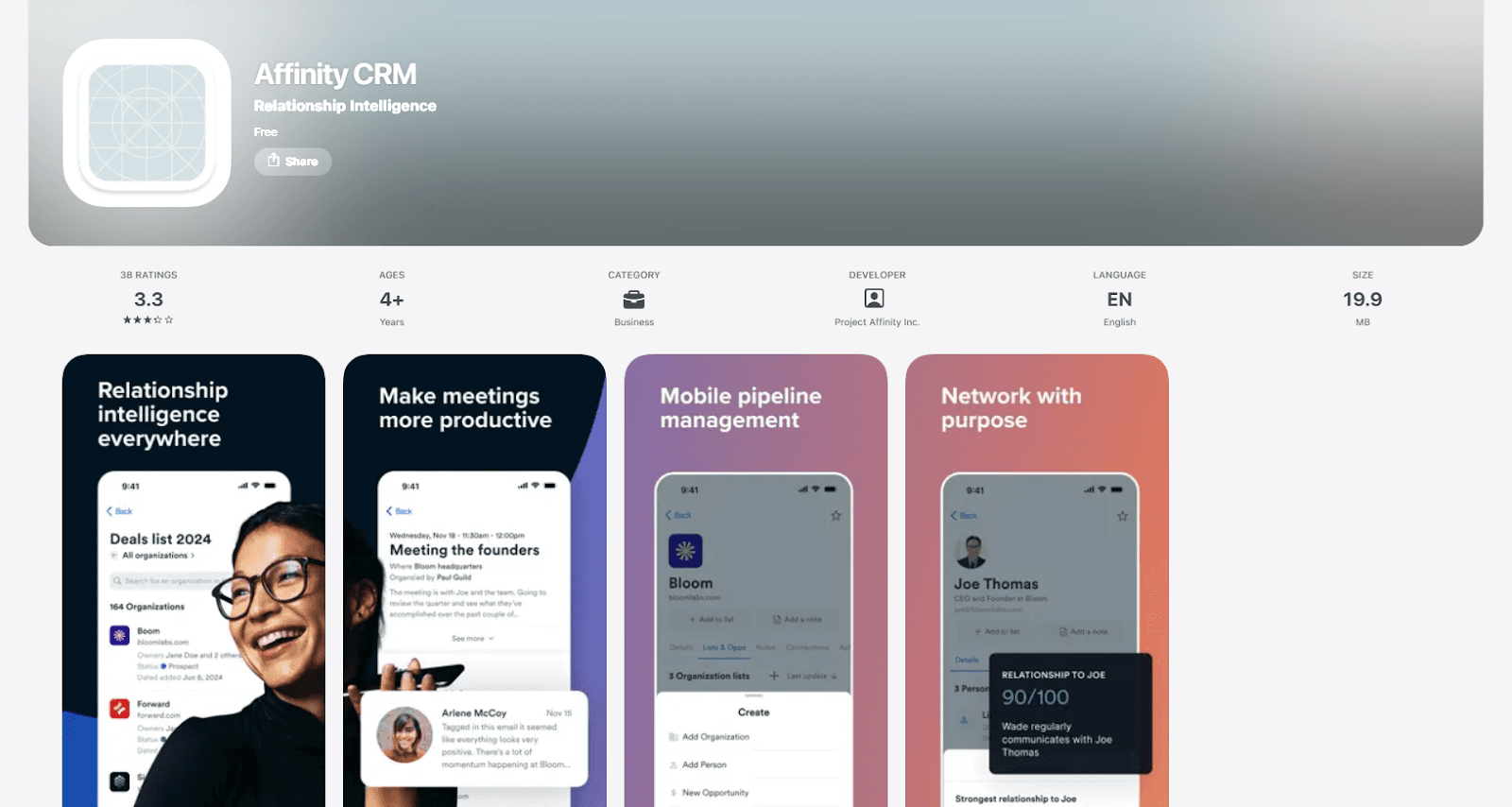
Affinity provides a mobile experience centered on capturing and displaying relationship data derived from email and calendar activity. It allows users to review recent interactions and track engagement while away from their desk.
Automated activity capture
Syncs communication data to keep contact records updatedAccess to recent interactions
View emails and meetings associated with each contactRelationship insights on mobile
Highlights interaction patterns across contactsLimited depth of context
Access to broader relationship history and team-wide visibility can be restricted compared to desktop usage
DealCloud
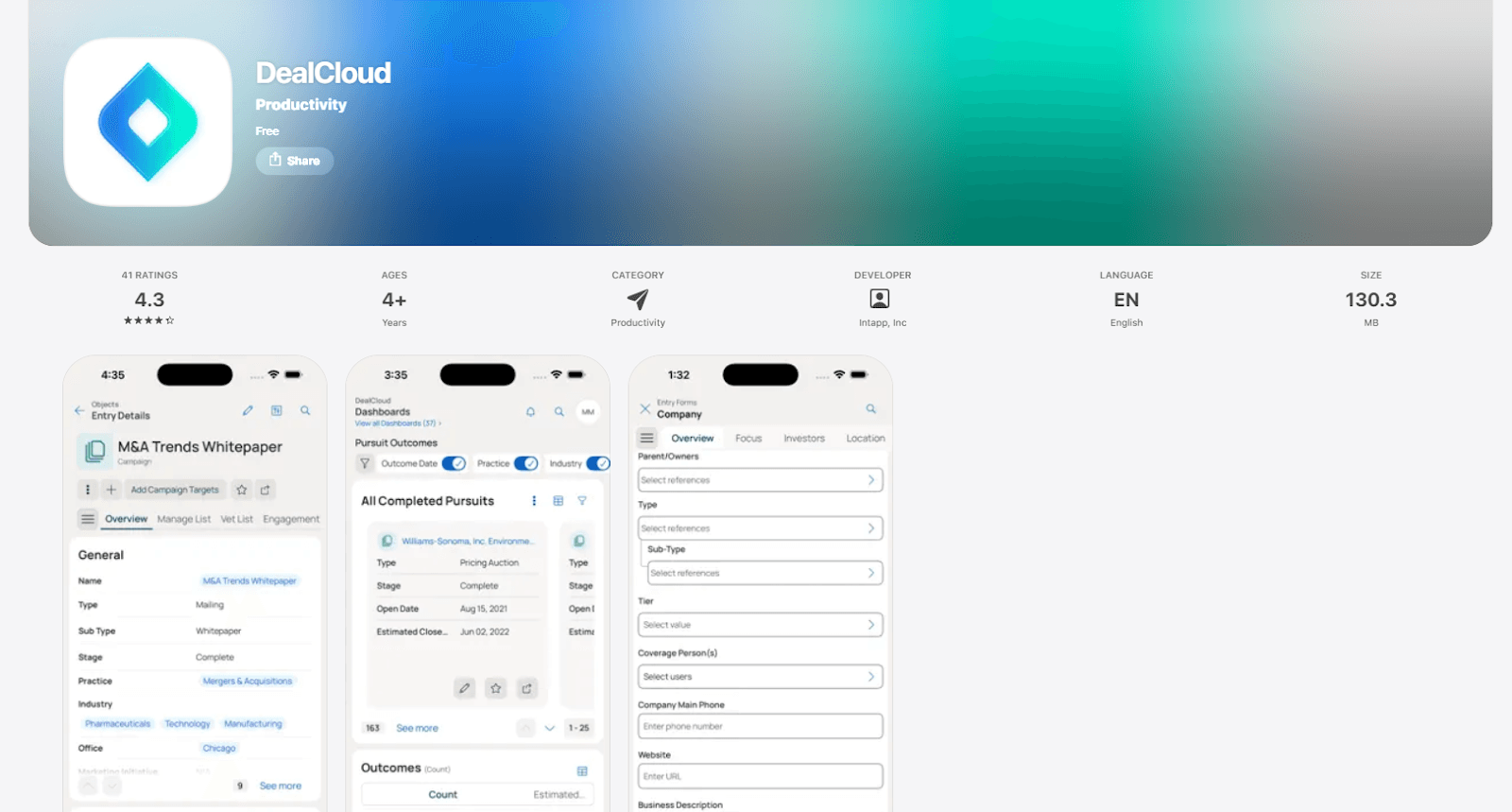
DealCloud offers a mobile interface focused on accessing pipeline data and reviewing deal-related information. It supports teams that require visibility into structured workflows while operating outside the office.
Access to pipeline and deal data
Review active opportunities and associated records on mobileWorkflow visibility
Track deal progress and related activities across stagesConfigured data access
Mobile experience reflects fields and structures defined in the core systemLimited flexibility for the relationship context
Interaction history is often tied to deals rather than maintained as a continuous record
Salesforce Mobile
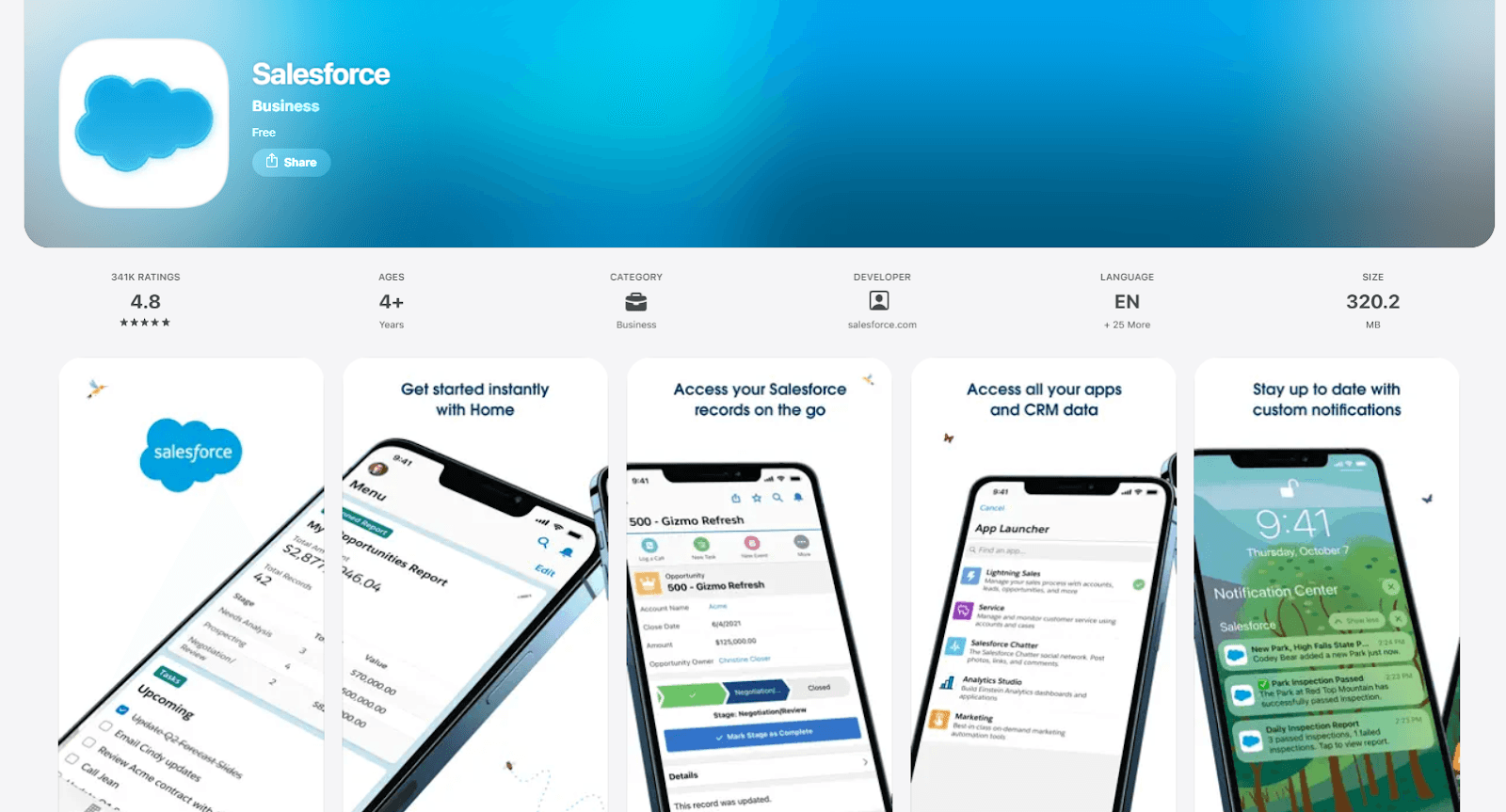
Salesforce Mobile provides access to CRM data through a configurable interface that reflects the structure of the underlying system. It is used by teams that require mobile access to custom workflows and records.
Access to customized data structures
Mobile views mirror configured objects, fields, and processesIntegration with the broader Salesforce ecosystem
Connects with tools used across different teams and functionsSupport for task and activity tracking
Manage updates, reminders, and records while on the moveDependent on configuration quality
Usability and access to context vary based on how the system is set up
HubSpot Mobile
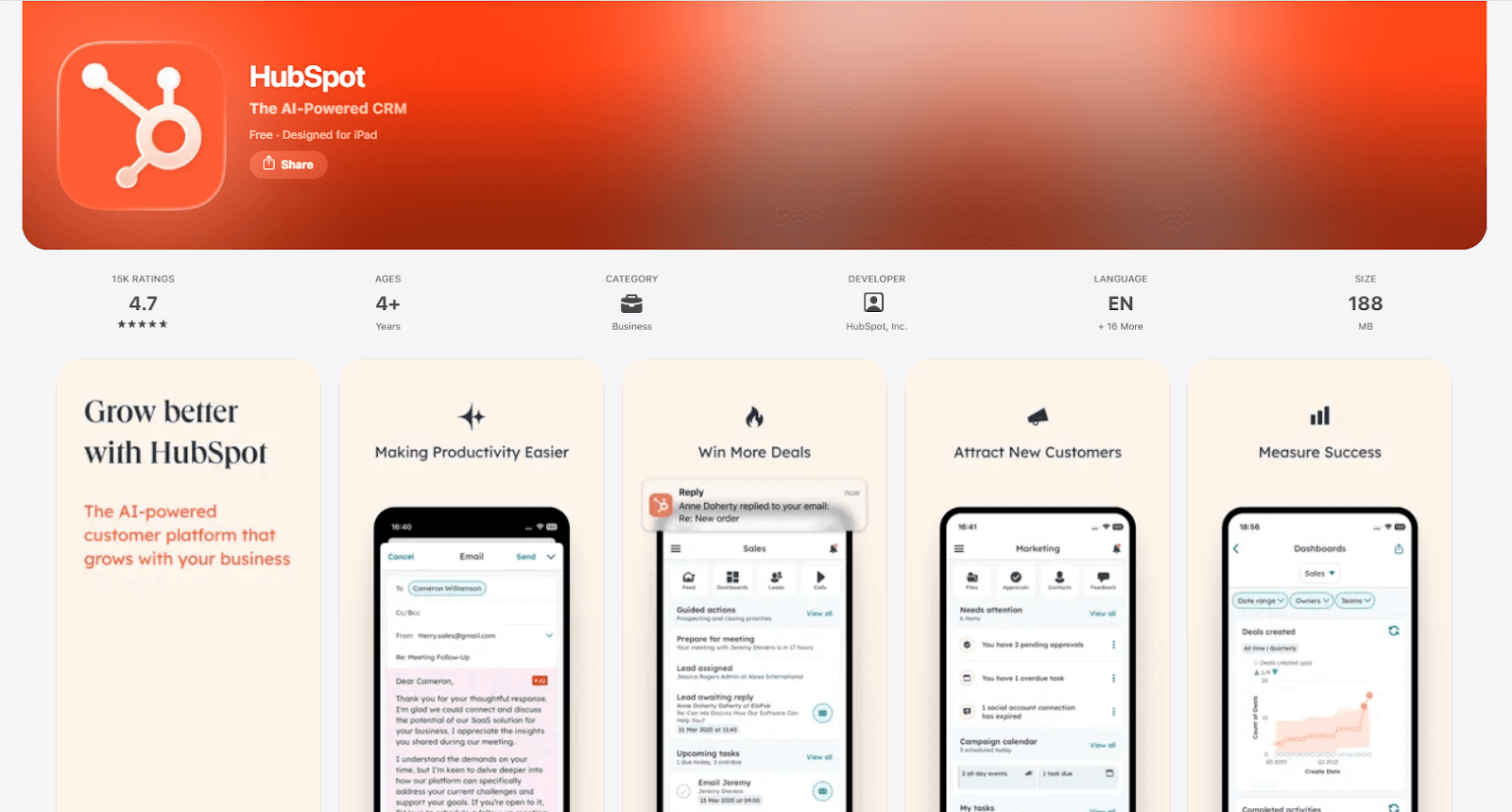
HubSpot Mobile provides a simplified interface for accessing contact records and recent activity. It is suited for teams that need quick visibility into basic CRM data while away from their desk.
Access to contact and activity data
View recent emails, meetings, and notes associated with each contactSimple navigation
Designed for quick lookup and minimal interactionTask and reminder management
Track follow-ups and updates on mobileLimited support for investor workflows
Does not provide depth for managing relationship context across complex deal and fundraising activity
Mobile CRM Comparison
Mobile CRM selection depends on how well each system provides access to relationship context, supports real-time updates, and maintains consistency across devices.
CRM | Best For | Mobile Strength | Limitation |
Rings AI | Investor teams | Full relationship context on mobile | Easy contact and activity viewing |
Affinity | Relationship tracking | Automated activity capture | Limited depth of context on mobile |
DealCloud | Process-driven teams | Access to pipeline data | Limited depth of context on mobile |
Salesforce Mobile | Custom CRM environments | Configurable mobile access | Dependent on system setup |
HubSpot Mobile | Simplicity and quick access | Easy contact and activity viewing | Dependent on system setup |
Each option reflects a different approach to mobile access. Teams that require full visibility into relationship history and consistent context across devices benefit from systems designed for investor workflows, such as Rings AI’s.
Why Teams Use Rings AI on the Go
Deal teams require immediate access to relationship context during meetings, travel, and live deal activity. This includes reviewing prior interactions, capturing updates, and coordinating with the broader team without returning to a desktop.
Rings AI provides full visibility into emails, meetings, and notes on mobile, allowing teams to prepare quickly and maintain continuity across interactions. Updates made on mobile are reflected across the system, ensuring that the entire team operates with the same information.
This approach supports consistent communication and reduces gaps in follow-up, especially when multiple team members are involved in the same relationship.
Book a demo to see how Rings AI supports deal teams on the go.