
Everyone talks about the importance of relationships in business, but very few people have a clear picture of what their network actually looks like.
Who knows who? How strong is that connection? When was the last time someone on your team talked to a key contact? These questions matter, especially in industries where relationships are the business, like venture capital, private equity, investment banking, and professional services.
Network mapping software for professional relationships takes the invisible web of connections your team has built over the years and makes it visible. Some of these CRMs pull data from email and calendar activity to surface connections automatically. Others give you a structured way to organize and maintain your network manually. The right choice depends on whether you need passive intelligence or active relationship management, and how much of your workflow you want consolidated in one place.
Here are 7 CRMs that are helpful for people-network mapping:
1. Rings AI
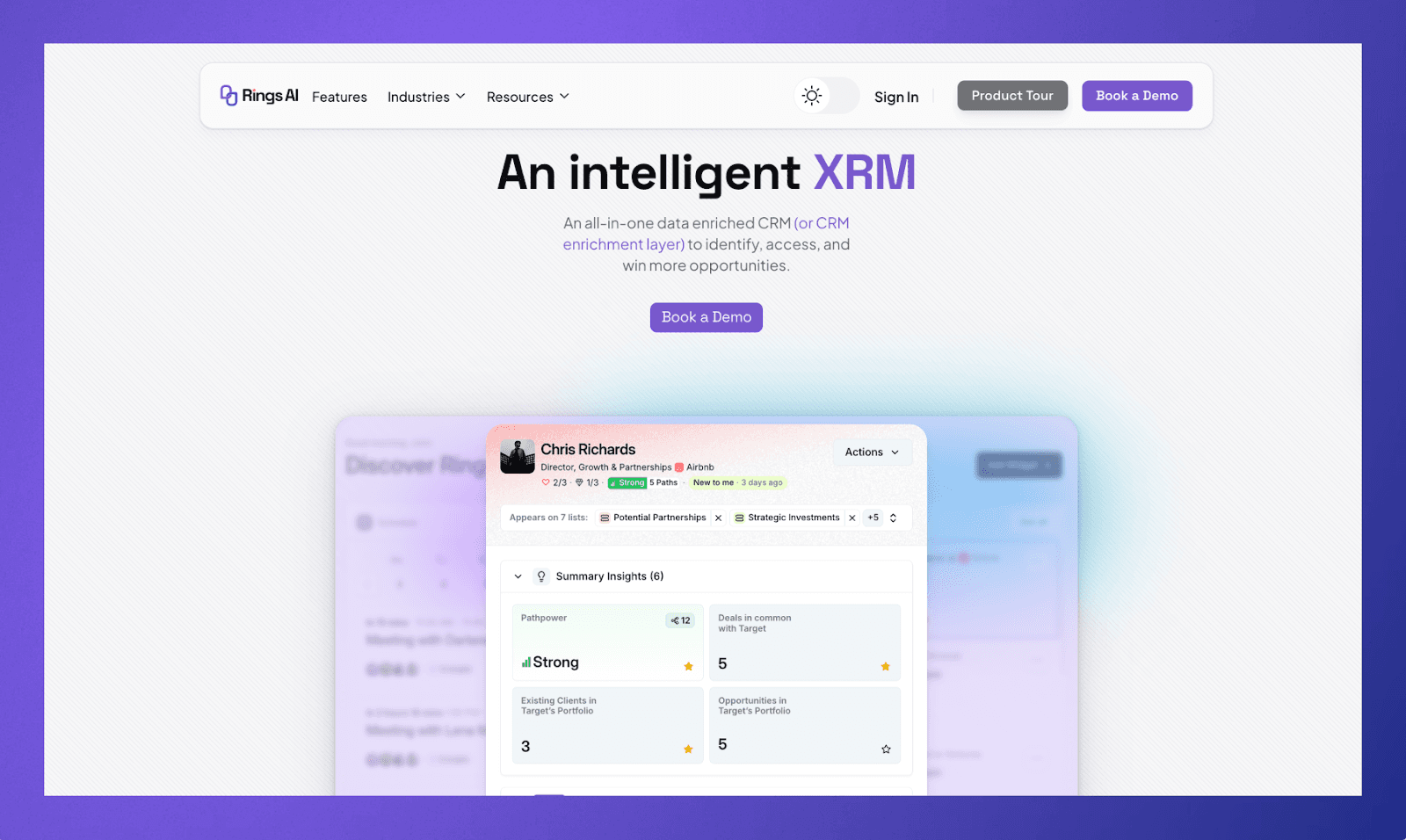
Rings AI is a CRM built specifically for investors and relationship-driven firms. What sets it apart in the network mapping space is that it analyzes email and LinkedIn activity across an entire team and then assigns relationship strength scores to every contact. The result is a visual graph of your firm's collective network, not just individual address books stitched together, but a shared map that shows who knows who and how well.
Key features:
Relationship strength scoring based on email and LinkedIn activity, giving you a sense of connection depth rather than just whether a contact exists.
Team-wide network visibility so any member of the firm can see warm paths to a person through colleagues, not just their own connections.
AI-powered meeting prep that pulls from email history, notes, market data, and web research to give you context before every call.
Integrated deal management, fundraising tracking, notes, and file storage, so the network map sits inside the broader workflow rather than as a standalone tool.
Rings is purpose-built for investors, which means it understands how VCs and PE firms actually work. If you are outside of that world, some of the investing-specific modules will not be relevant to you. Pricing is annual and per-seat, and is not listed publicly, so you will need to book a demo to get specifics.
2. Affinity
Affinity is one of the more established names in relationship intelligence for deal-driven firms. It connects to your email and calendar and uses that activity to build a picture of your network, tracking who your team has been in touch with, how recently, and how frequently. Affinity positions itself around the idea that relationships are data, and it tries to surface that data in a way that helps you find warm introductions and avoid cold outreach.
Key features:
Automated contact and activity capture from email and calendar, reducing the need for manual data entry into your CRM.
Relationship strength indicators based on communication patterns, showing which connections are active and which have gone quiet.
An introduction path mapping that highlights how you or your colleagues can reach a specific person through existing relationships.
Deal flow management with customizable pipelines, designed for firms that track opportunities through stages.
Affinity has been around long enough that some users report the product feeling dated in places, and there is a recurring theme in user feedback about the interface lagging behind newer competitors.
3. LinkedIn Sales Navigator
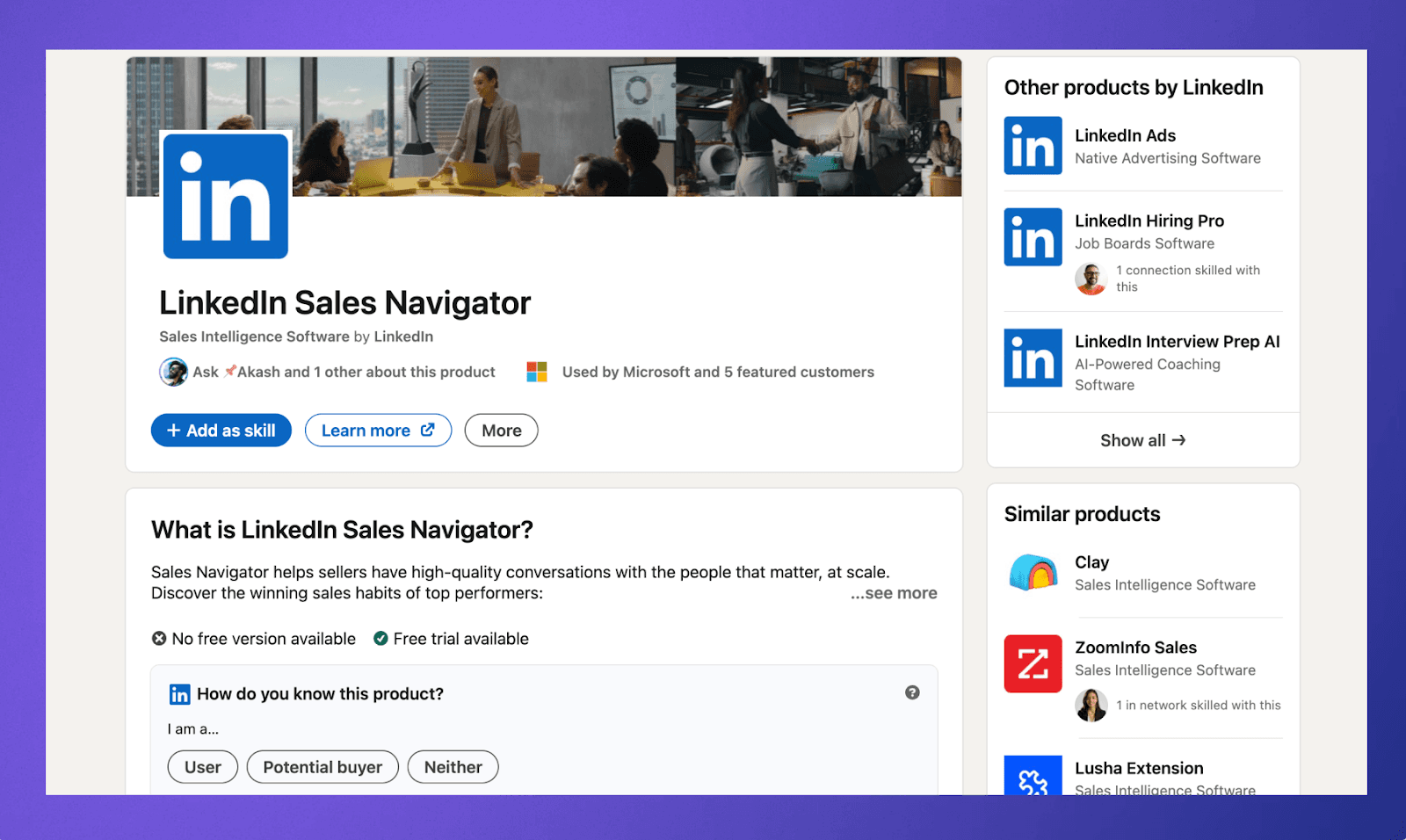
Sales Navigator is LinkedIn's premium product aimed at sales professionals, but its network mapping capabilities are relevant to anyone who works through professional relationships. It gives you advanced search and filtering across LinkedIn's user base, along with CRMs to track accounts, get lead recommendations, and see how your connections overlap with target contacts. It is not a CRM, but it is a powerful layer on top of the largest professional network that exists.
Key features:
Advanced search filters that let you slice LinkedIn's database by role, industry, company size, geography, and more to find the right people.
TeamLink shows how your colleagues are connected to prospects, surfacing warm introduction paths through your organization's LinkedIn network.
Account and lead tracking with alerts when key contacts change jobs, post updates, or are mentioned in the news.
CRM integrations with Salesforce, HubSpot, and others so that insights from LinkedIn can flow into your existing systems.
The limitation is that Sales Navigator only maps connections that exist on LinkedIn. If a relationship lives primarily in email or was built offline, it will not show up here. It also does not replace a CRM for managing ongoing relationships. Pricing starts at around $99 per month for the core plan, with team and enterprise tiers running higher.
4. Clay
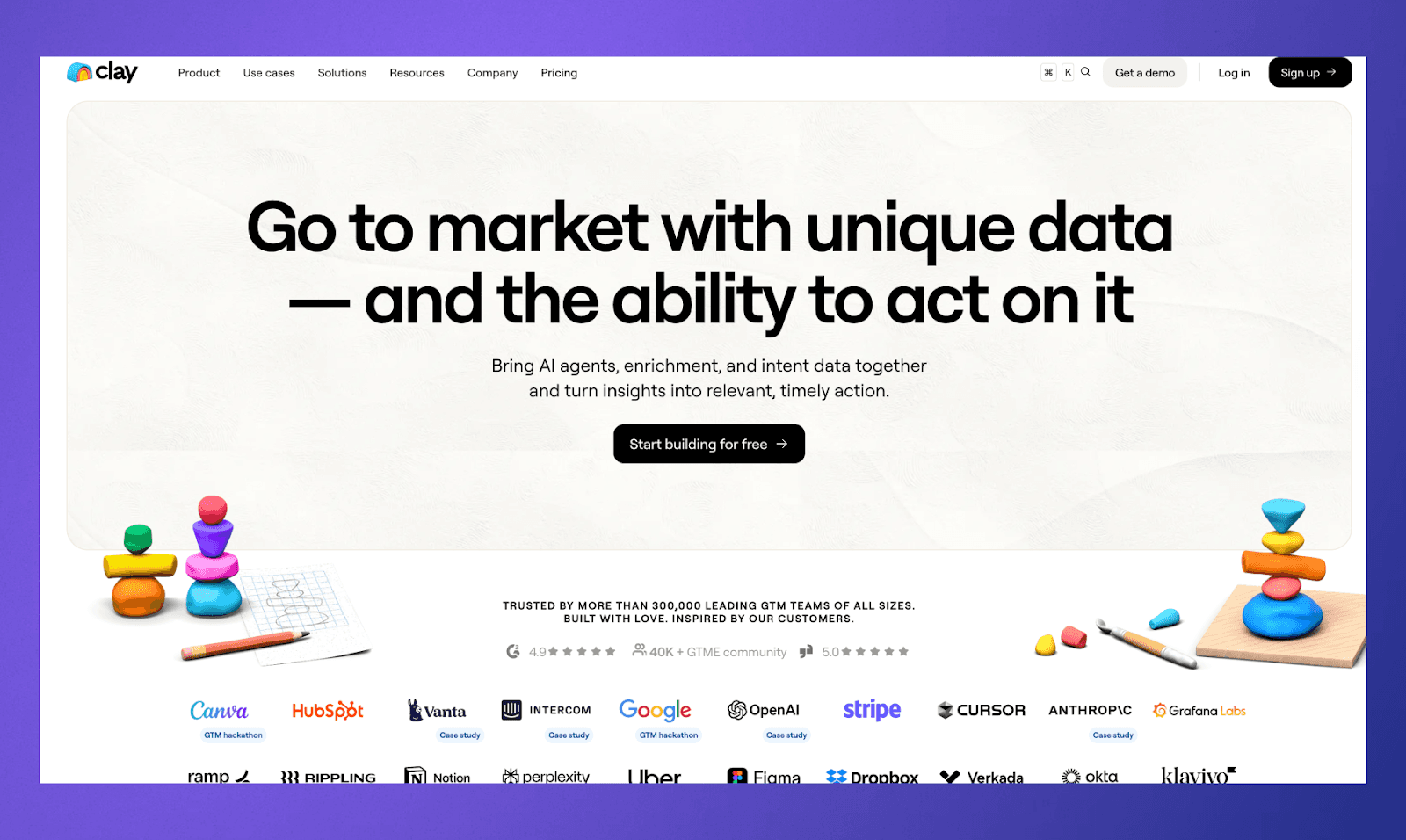
Clay takes a different approach. It is more of a personal relationship management CRM that pulls contact data from multiple sources and helps you stay organized and intentional about your network. It connects to email, calendar, LinkedIn, Twitter, and other platforms to build a unified contact list, and then gives you tools to set reminders, add notes, and keep track of when you last reached out to someone.
Key features:
Aggregates contacts from email, social media, and calendar into a single searchable database with automatic deduplication.
Reconnect reminders that nudge you when you have not been in touch with someone for a set period, helping you maintain relationships proactively.
Contact enrichment that pulls in publicly available information like job titles, company details, and social profiles to keep records current.
A clean, minimal interface that focuses on making your network browsable and manageable without the heaviness of a traditional CRM.
Clay is better suited for individuals or small teams than for larger organizations that need firm-wide network visibility and deal management. It does not offer the kind of team-wide relationship mapping that some other tools on this list provide.
5. Cloze
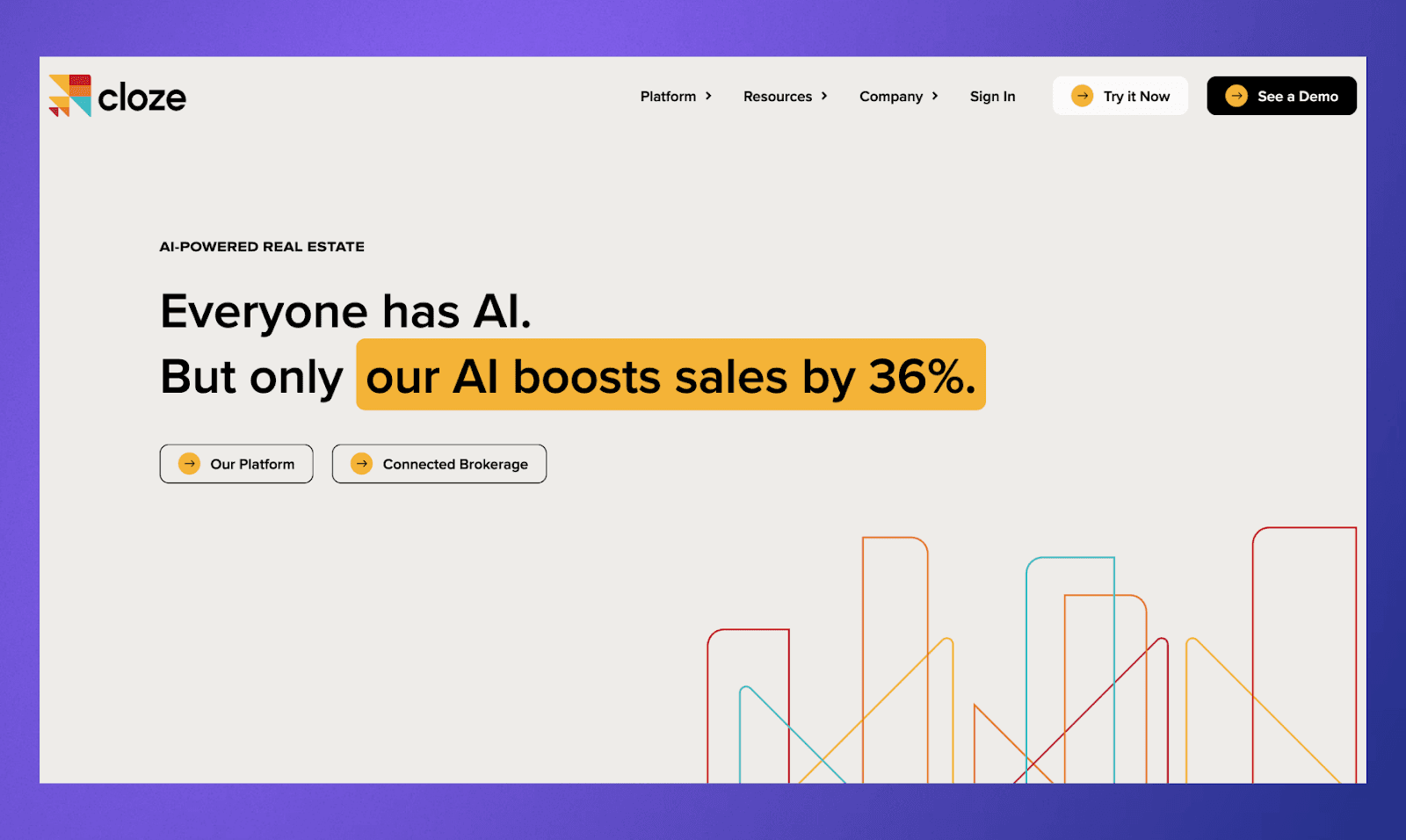
Cloze calls itself a relationship management tool, and it sits somewhere between a personal CRM and an intelligent assistant. It pulls in activity from email, phone, social media, and calendar, then uses that data to build a timeline of your interactions with every contact. The CRM tries to surface which relationships need attention and helps you keep track of where things stand without requiring constant manual updates.
Key features:
Automatic activity capture from email, calls, social media, and calendar that builds a running history of every interaction with a contact.
AI-driven nudges that flag relationships going cold or highlight contacts you should follow up with based on activity patterns.
Project and pipeline tracking tied to contacts, so you can manage deals or opportunities alongside your relationship data.
Works across platforms, including Gmail, Outlook, LinkedIn, and various social networks to give a broad view of your communication activity.
Cloze tries to do a lot for a relatively small CRM, and some of its features feel more surface-level than dedicated platforms in this space. The AI suggestions can be hit or miss, depending on how much data it has to work with. There is a free tier available, and paid plans start at $17 per month per user, going up for the business tier with team features.
6. Folk
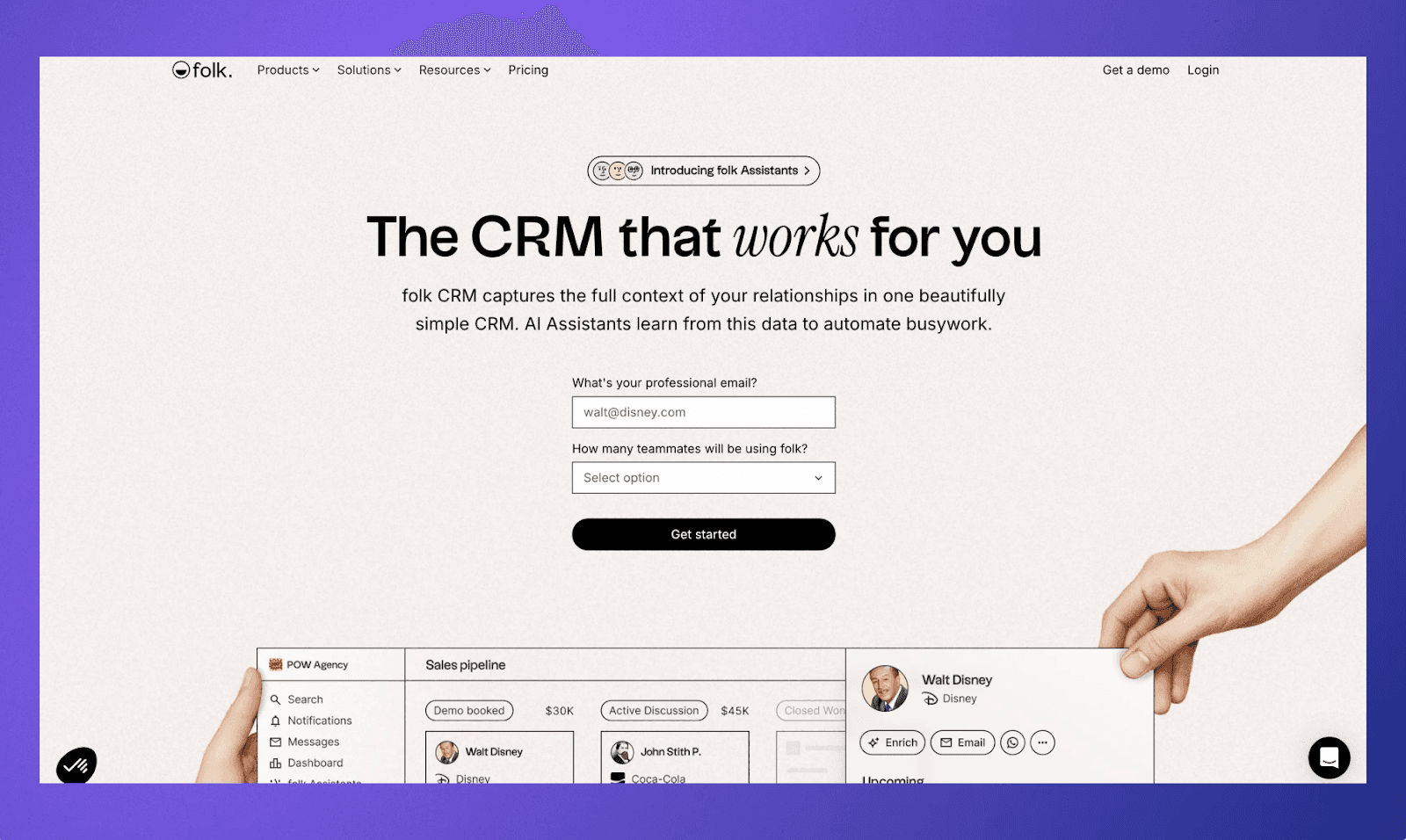
Folk is a CRM that leans into simplicity and collaboration. It lets you import contacts from multiple sources, organize them into groups and lists, and track interactions in a clean, spreadsheet-like interface. Folk is not heavy on automated network analysis, but it gives teams a shared, organized view of their contacts with enough structure to manage outreach and keep notes in one place.
Key features:
Import contacts from Gmail, LinkedIn, Outlook, and CSV files into a unified, searchable contact database.
Group-based organization lets you segment contacts into lists by deal stage, relationship type, event, or any custom category.
Collaborative workspace where team members can share contact lists, add notes, and coordinate outreach without duplicating effort.
A browser extension that lets you add contacts from LinkedIn or any website directly into Folk with one click.
Folk is more of an organizational tool than a CRM. It does not score relationships or analyze email patterns to tell you how strong a connection is. If you need that kind of automated insight, you will need to look elsewhere. Pricing starts with a free plan for individuals, and team plans run from around $20 per user per month.
7. Dex
Dex is a personal CRM designed to help individuals keep up with their network. It integrates with LinkedIn, email, and calendar to pull in contacts, and then lets you set reminders, tag people, and add notes so nothing falls through the cracks. The premise is simple: your network is valuable, and Dex gives you a lightweight system to be more intentional about maintaining it.
Key features:
LinkedIn and email integration that imports contacts and keeps profiles updated with current job titles and company information.
Customizable reminder schedules for staying in touch, letting you set different cadences for different tiers of your network.
Tagging and filtering system to organize contacts by how you know them, what industry they are in, or any other category that matters to you.
A mobile app that makes it easy to log interactions or check on a contact before a meeting when you are on the go.
Dex is built for individuals, not teams. There is no shared network view or firm-wide relationship mapping. It is a good fit if you are a solo operator who wants to be more disciplined about relationship maintenance, but it will not scale to the needs of a firm that wants collective network intelligence. Pricing starts with a free tier, and the premium plan runs at around $12 per month.
Choose Rings AI as Your Network Mapping CRM
Most of the CRMs on this list solve one piece of the puzzle. Some help you organize contacts. Others track communication history. A few offer basic relationship scoring. But if your business runs on relationships, and especially if you work in venture capital, private equity, or deal-driven finance, you need more than a contact list with reminders.
Rings AI was built from the ground up for teams where the network is the business. Here is what that looks like in practice:
Maps your entire team's relationships by analyzing email and LinkedIn activity, not just your own
Scores the strength of every connection so you know who actually has a warm path to a key contact
Gives everyone at the firm visibility into the collective network, no more pinging colleagues on Slack to ask who knows someone
Sits inside a full platform with deal management, fundraising workflows, notes, and meeting history, so the AI has enough context to actually be useful
Preps you for meetings using your team's past emails, notes, and web research on the people you are about to sit down with
Want to see what your team's network actually looks like? Book a demo and take a look for yourself.