
Many teams begin looking for alternatives after the limits of Copper CRM become more visible in day-to-day work.
The tight integration with Google Workspace works well at the beginning, especially for teams that want email and contact management in one place, but over time, the limitations become more visible as relationship history spreads across inboxes, spreadsheets, and internal notes. When conversations, deal context, and team interactions are not easily visible in a single system, preparing for meetings or revisiting a relationship requires manual digging that slows down everyday work.
The challenge is not simply about switching tools, but about finding a system that reflects how relationships actually develop inside modern B2B teams. Sales conversations, partnerships, investor discussions, and long-term client relationships rarely move in a straight pipeline, yet many CRMs continue to structure information around stages and opportunities instead of the people and companies involved. Teams that depend on long-term relationships often discover that they need deeper visibility into communication history, shared notes, and team connections rather than more pipeline automation.
Several platforms now position themselves as practical Copper CRM alternatives, offering stronger relationship tracking, broader customization, or more flexible collaboration across a team. Some focus on traditional sales operations, while others are built around relationship visibility and long-term context that helps teams understand how connections evolve.
This guide compares the ten best Copper CRM alternatives for 2026 and highlights where each platform fits for teams evaluating their next CRM.
Top 10 Copper CRM Alternatives in 2026
The platforms below represent some of the strongest Copper CRM alternatives in 2026, each addressing different needs depending on how teams manage relationships, deals, and collaboration.
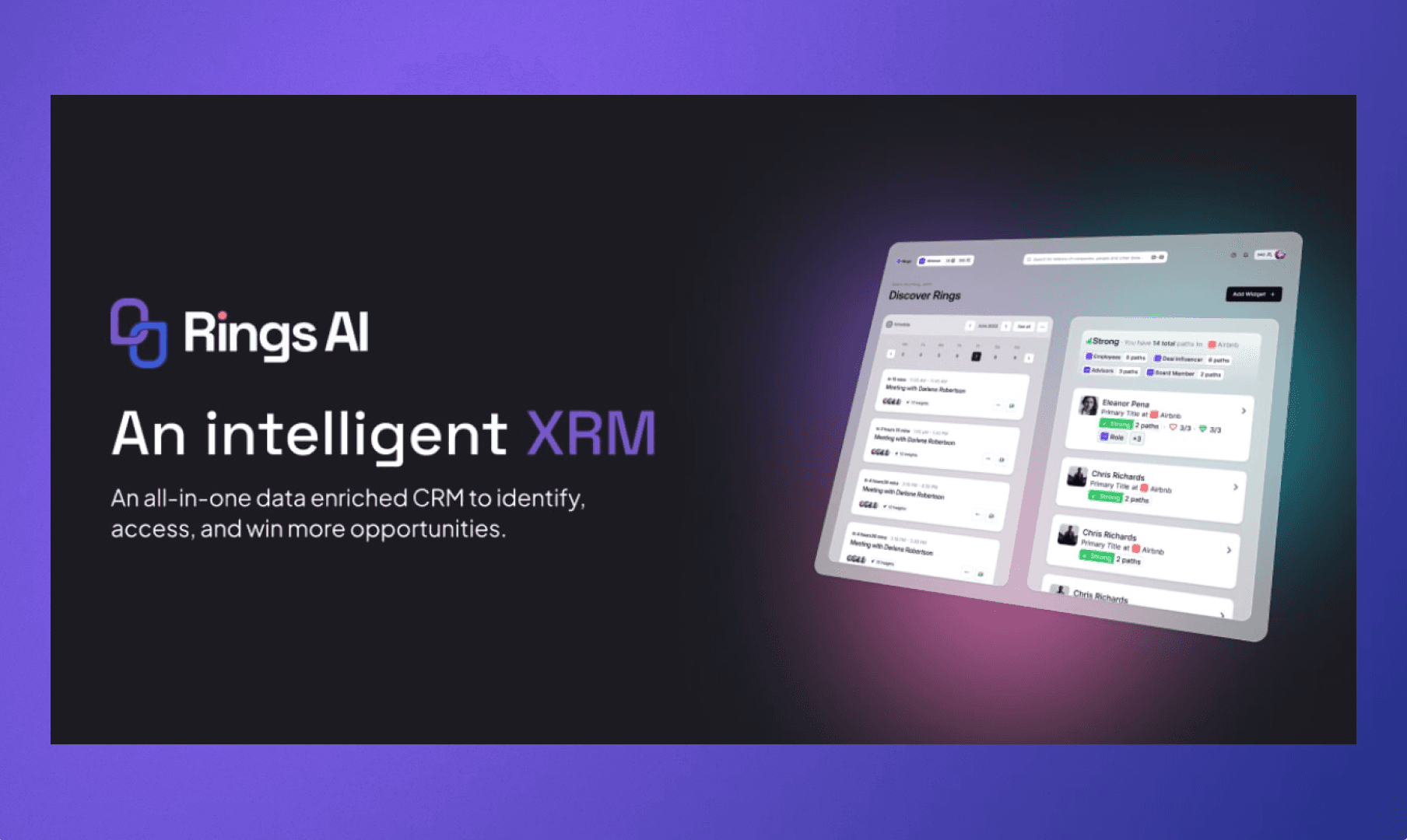
Several platforms position themselves as alternatives to Copper CRM, but few are built around how long-term relationships actually evolve across a team. Rings AI stands out as a strong Copper CRM alternative because it treats people and firms as enduring relationships rather than temporary opportunities, giving teams a shared system of memory instead of a pipeline tracker.
Key features
Relationship-first data structure – Every email, meeting, and note is anchored to the person and company level, so context stays attached to the relationship instead of disappearing inside individual deal records.
Automatic communication history – Email and meeting activity sync automatically, creating a complete timeline of interactions without manual logging or fragmented records.
Team network visibility – The platform analyzes communication patterns to show how well your team knows each contact, helping identify the strongest path into a conversation.
AI meeting preparation – Built-in intelligence compiles notes, past emails, and relevant interactions into concise meeting prep so partners can enter conversations with full context (see how this works in the Rings meeting prep workflow.
Centralized notes and files – Conversations, documents, and internal notes live in one place, so relationship knowledge compounds instead of getting lost in inboxes or shared drives.
Flexible relationship workflows – Teams can track partnerships, investor conversations, and long-term client discussions without forcing every interaction through rigid sales stages.
Network graph insights – Relationship data turns into a visual map of your team’s network depth, giving quick insight into who knows whom across the organization.
Investor-grade CRM architecture – Originally designed for venture and private capital teams, the platform emphasizes continuity, context, and shared institutional memory.
For teams evaluating Copper CRM alternatives, this approach shifts the CRM from a pipeline manager to a long-term relationship system that reflects how real business relationships develop over time.
HubSpot CRM
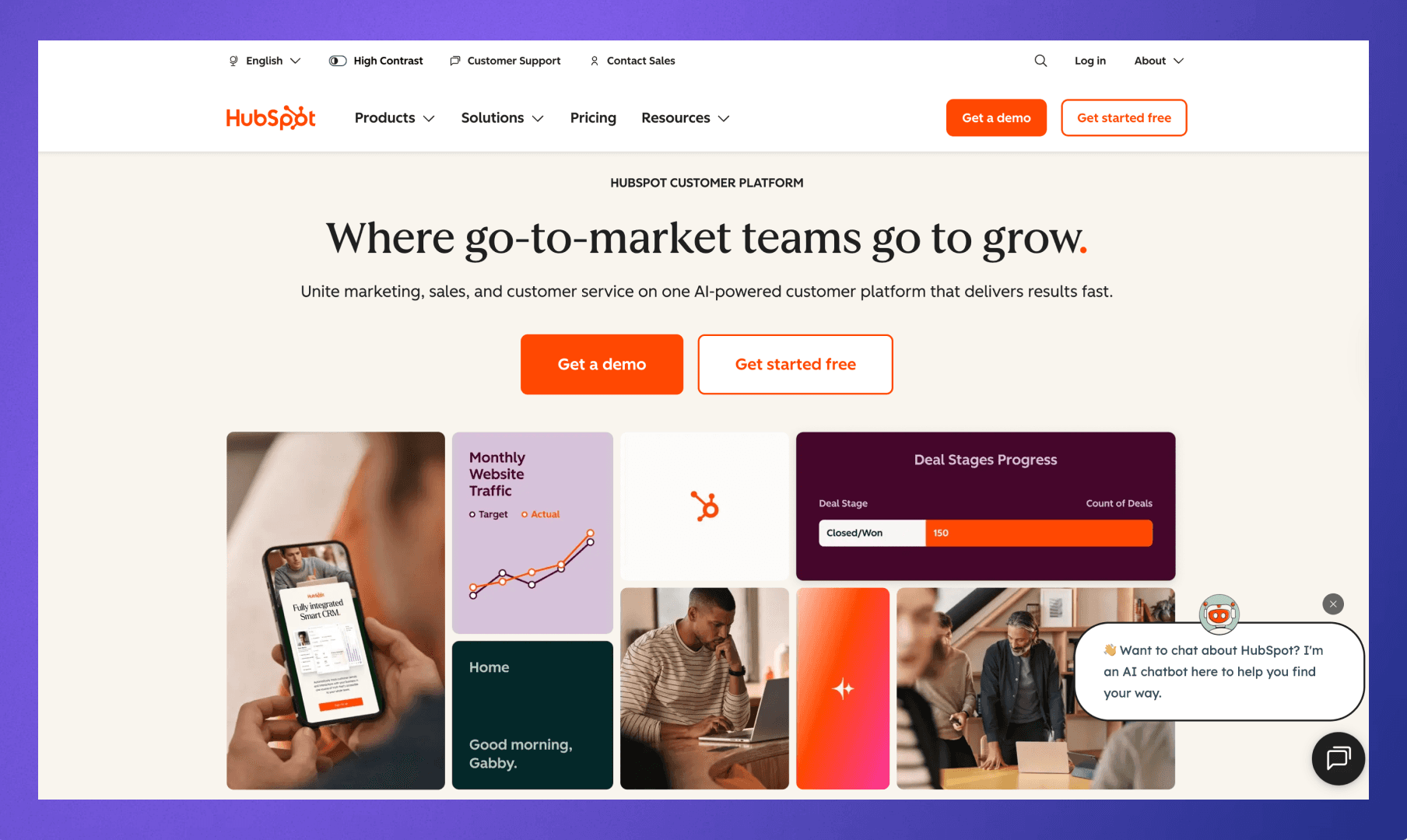
Many teams consider HubSpot CRM because it offers a broader ecosystem of sales, marketing, and service tools. The platform focuses on pipeline visibility and customer lifecycle tracking, making it a common choice for companies that want their CRM connected to marketing automation and reporting dashboards.
Key features
Unified customer timeline – Emails, calls, meetings, and form submissions appear in a single activity stream so teams can quickly review communication history with a contact.
Sales pipeline management – Customizable deal pipelines allow teams to track opportunities, stages, and expected revenue within structured sales workflows.
Integrated marketing tools – Marketing automation, email campaigns, and lead capture forms connect directly to CRM records.
Reporting dashboards – Built-in analytics help teams monitor deal progress, pipeline health, and sales activity across the organization.
App marketplace integrations – Hundreds of integrations connect the platform with tools across sales, marketing, and customer service.
HubSpot often appeals to organizations that want their CRM tightly connected to marketing and sales operations within a single platform. Meanwhile, platforms built specifically around relationship intelligence and shared context, such as Rings AI, focus more directly on preserving long-term relationship history across a team.
Salesforce
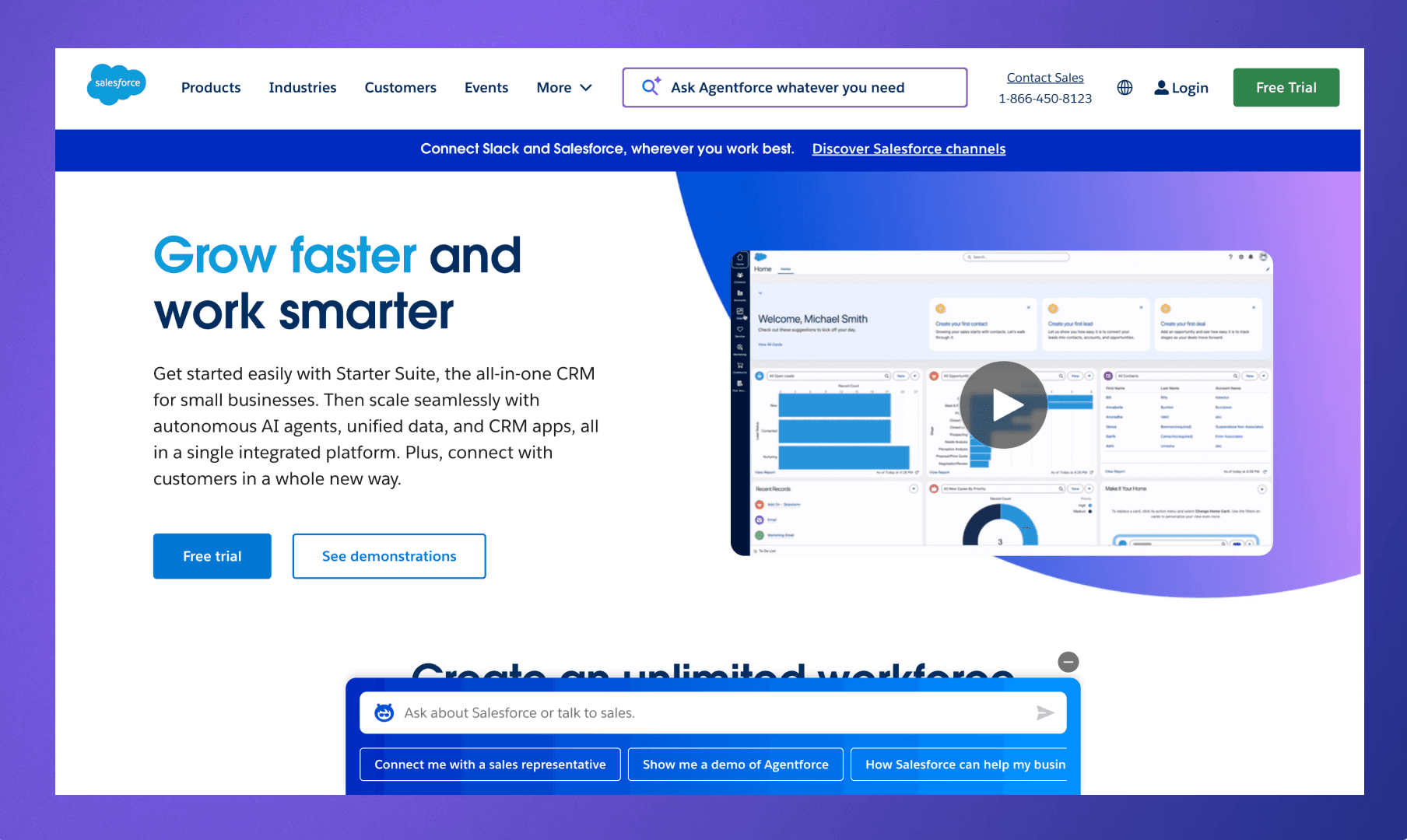
Salesforce offers one of the most customizable CRM platforms in the market. Many organizations adopt Salesforce when they want a system that can adapt to complex workflows, integrate with multiple internal tools, and support detailed reporting across larger teams.
Key features
Highly customizable data model – Teams can configure objects, fields, and workflows to reflect their specific sales processes and reporting requirements.
Enterprise reporting and analytics – Dashboards and reports provide detailed visibility into pipeline activity, forecasting, and performance metrics (overview of Salesforce CRM capabilities.
Large integration ecosystem – Thousands of applications connect through the Salesforce AppExchange marketplace, enabling integrations across marketing, analytics, and operational tools.
Scalable platform architecture – Organizations can expand the system across multiple teams and departments as operational complexity grows.
Salesforce often fits organizations that want deep customization and enterprise-scale infrastructure.
Pipedrive
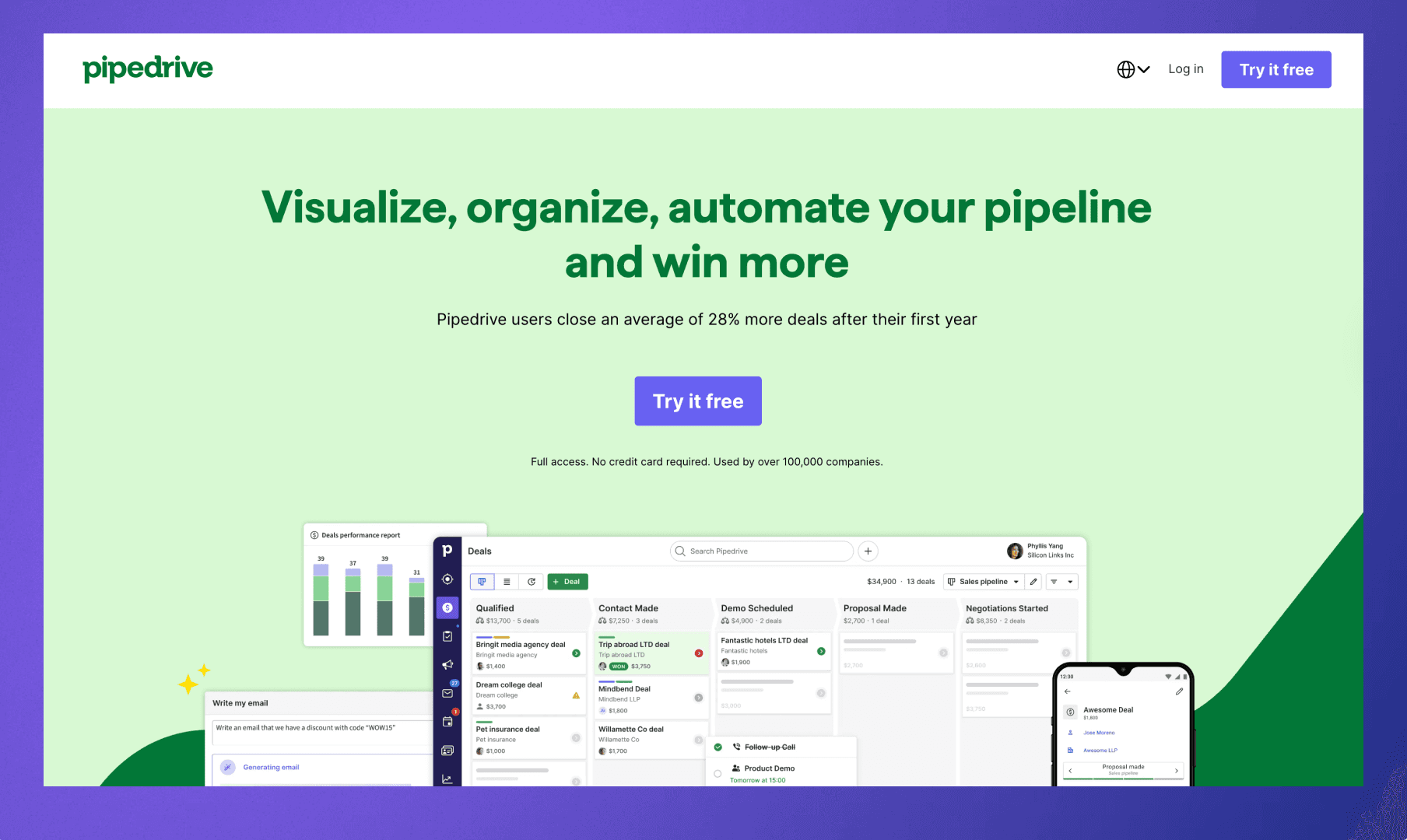
Pipedrive is often considered by teams evaluating alternatives to Copper CRM because of its focus on visual pipeline management and sales activity tracking. The platform centers on deal movement and structured sales processes, which can appeal to organizations that want clear visibility into opportunities and revenue forecasts.
Key features
Visual sales pipelines – Deals move through customizable pipeline stages, allowing teams to monitor progress and expected revenue in a clear, structured view.
Activity and task tracking – Calls, meetings, and follow-ups can be scheduled directly within the CRM, so teams maintain consistent engagement with prospects and clients.
Sales reporting dashboards – Built-in analytics provide visibility into deal conversion, pipeline value, and sales activity trends.
Workflow automation tools – Automated actions can trigger when deals move between stages, helping teams reduce repetitive administrative tasks.
Pipedrive can appeal to teams that want a straightforward pipeline-oriented CRM.
Zoho CRM
Zoho CRM offers a broad set of CRM features combined with flexible configuration. The platform focuses on giving organizations control over workflows, reporting, and integrations across the broader Zoho business software ecosystem.
Key features
Customizable workflow automation – Rules and triggers allow teams to automate follow-ups, record updates, and internal notifications based on activity within the CRM.
Sales forecasting and reporting – Built-in analytics help managers track pipeline progress, deal performance, and revenue projections.
Multi-channel communication tracking – Email, calls, and customer interactions can be logged within the system to maintain a unified record of engagement.
Integration with Zoho ecosystem – The CRM connects with tools across the Zoho suite, including marketing, finance, and customer support applications.
Zoho CRM often appeals to teams that want a configurable platform with a broad range of built-in business tools.
Freshsales
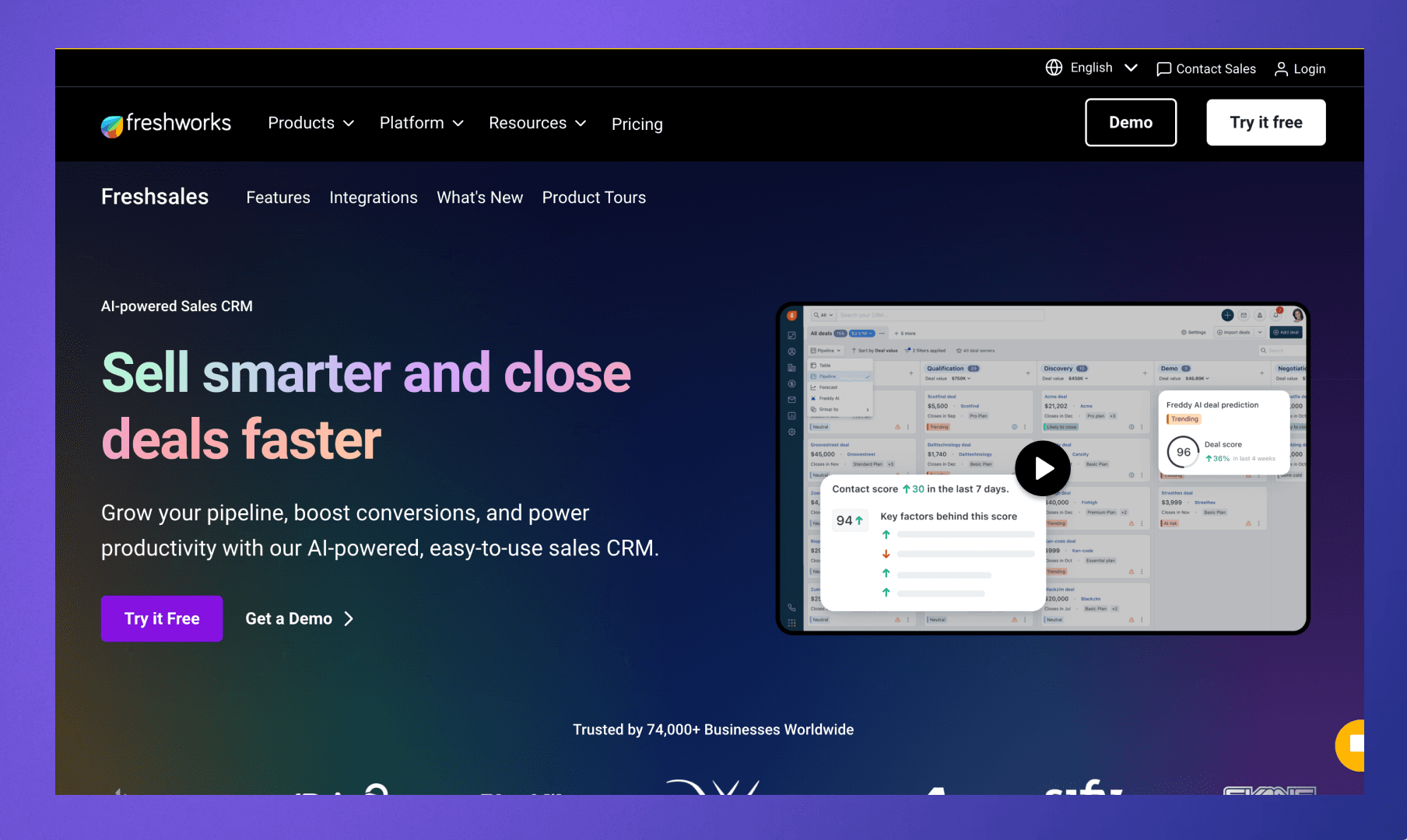
Freshsales is another option teams explore when comparing alternatives to Copper CRM, particularly when they want built-in communication tools alongside their CRM. The platform focuses on helping sales teams manage leads, track conversations, and monitor deal progress without relying heavily on external integrations.
Key features
Integrated communication tools – Email, phone, and chat interactions can be managed directly within the CRM, so conversations remain connected to contact records.
Lead and deal tracking – The platform provides structured views of leads and opportunities to help teams monitor pipeline movement and expected revenue.
Sales insights and forecasting – Reporting dashboards highlight activity levels, deal progression, and sales performance metrics.
Workflow automation capabilities – Rules and automated actions reduce repetitive updates and help teams maintain consistent follow-up across deals.
Freshsales may appeal to organizations that want communication tools and CRM functionality in a single platform, while systems designed around a long-term relationship context, such as Rings AI, place greater emphasis on preserving shared communication history and institutional knowledge across the team.
Close CRM
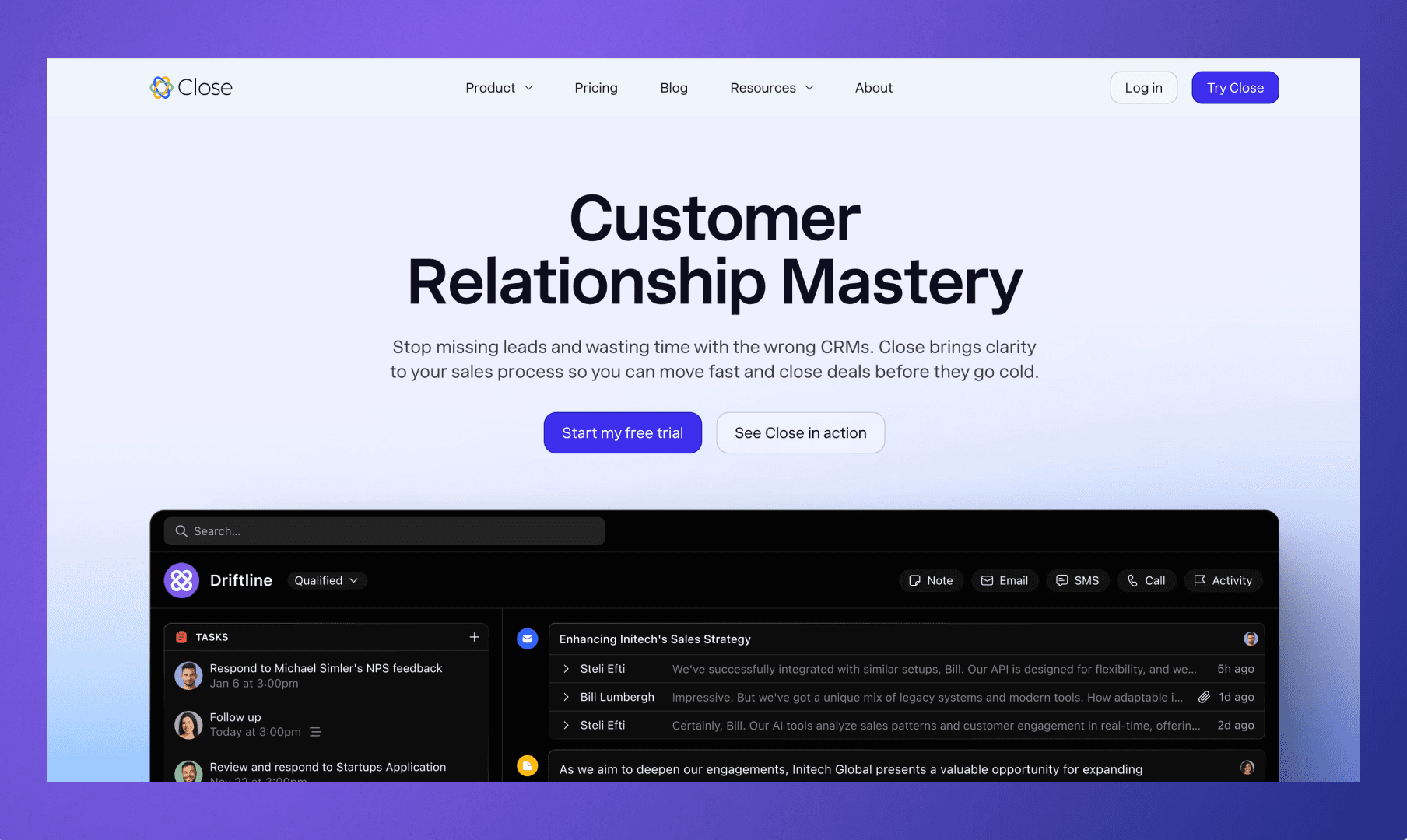
Close is often evaluated by teams when their sales process relies heavily on direct outreach and frequent conversations with prospects. The platform centers on helping sales teams manage calls, emails, and follow-ups inside a single interface designed around active sales engagement.
Key features
Built-in calling and email tools – Sales representatives can place calls, send emails, and track communication directly inside the CRM so activity remains tied to contact records.
Conversation-focused contact timelines – Each lead record displays a chronological view of calls, emails, and notes, helping teams quickly understand past interactions.
Sales pipeline visibility – Deals move through defined stages so teams can track opportunity progress and forecast revenue.
Sales activity reporting – Dashboards highlight outreach volume, conversion patterns, and team performance across the sales process.
For organizations exploring Copper CRM alternatives, Close can appeal to teams whose workflows revolve around frequent outbound communication.
Insightly
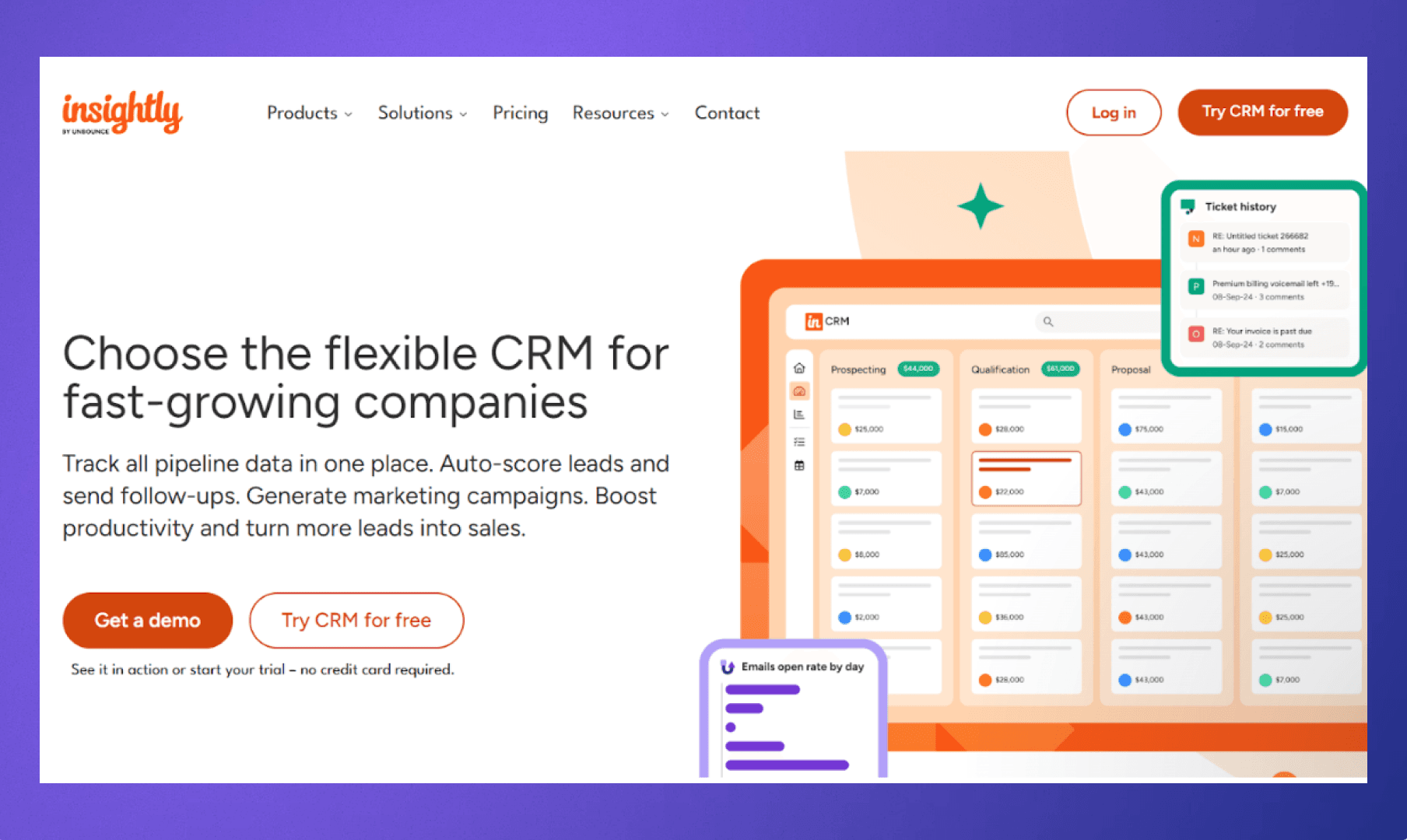
Insightly is another platform that teams review when they want their CRM connected to project execution after a deal closes. The system combines contact management with basic project tracking so teams can move from opportunity to delivery within a single environment.
Key features
Contact and organization records – Relationship data, communication history, and notes remain attached to contact profiles so teams can maintain context across interactions.
Pipeline and opportunity tracking – Sales pipelines provide structured visibility into deals and expected revenue progression.
Project management integration – Projects, tasks, and milestones can be created directly from CRM records once a deal converts into an active engagement.
Reporting and performance dashboards – Managers can review sales activity, pipeline health, and project progress from centralized analytics views.
Monday.com CRM
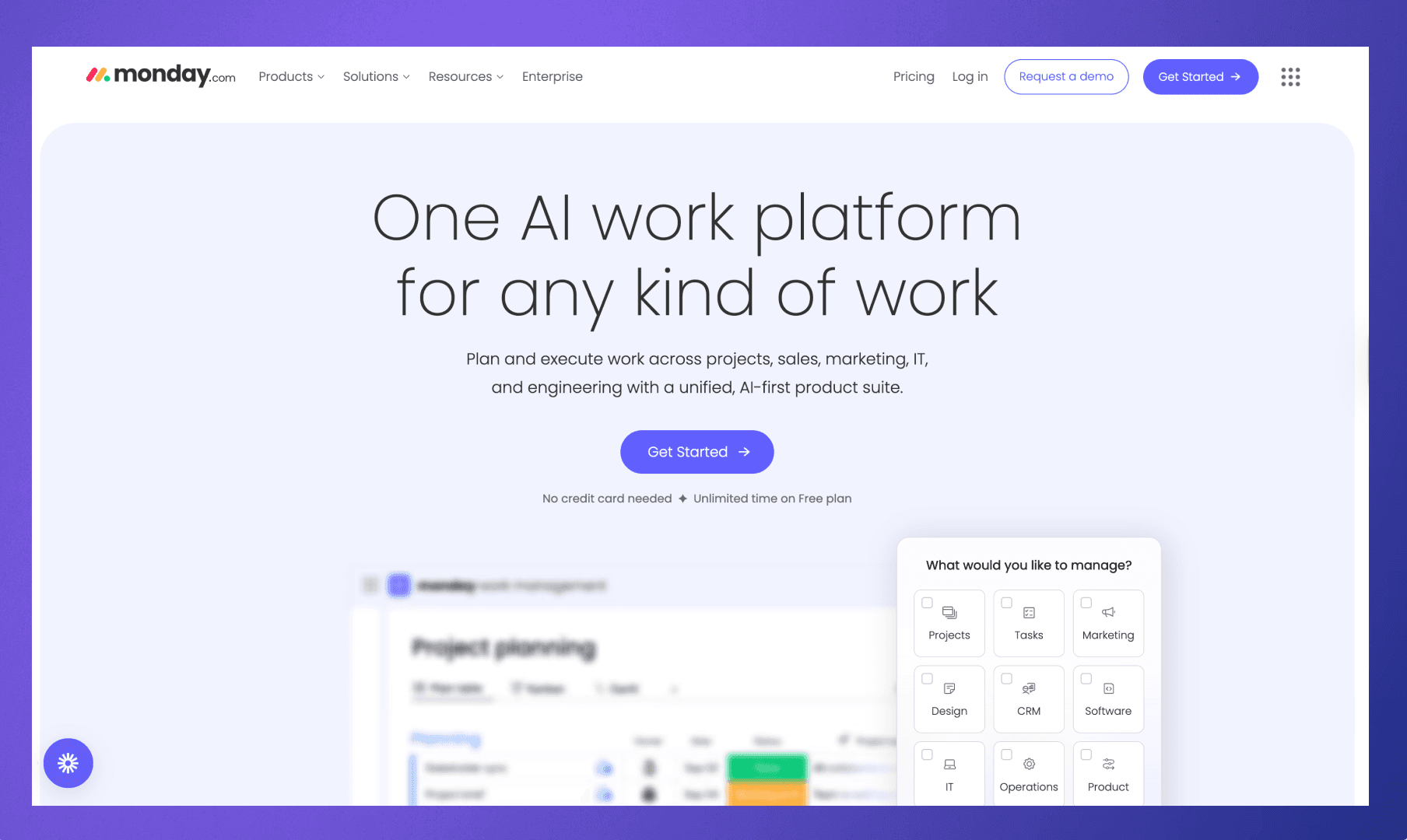
Monday.com CRM is another platform teams consider when evaluating alternatives to Copper CRM, especially when they want a CRM that can adapt to different internal workflows. Built on top of the monday.com work management platform, it emphasizes flexible boards, customizable pipelines, and collaboration across teams.
Key features
Customizable workflow boards – Sales pipelines, client onboarding processes, and internal workflows can be configured as visual boards that reflect how a team organizes work.
Deal and contact tracking – Contacts, accounts, and opportunities remain connected within a shared workspace so teams can manage relationships and deals in one system.
Collaboration and task management – Team members can assign tasks, leave notes, and coordinate activity directly within CRM records.
Integration ecosystem – The platform connects with a wide range of business tools, including email platforms, communication apps, and analytics systems.
Monday.com CRM often appeals to organizations that want a flexible workspace for managing sales processes and internal collaboration.
Nutshell CRM
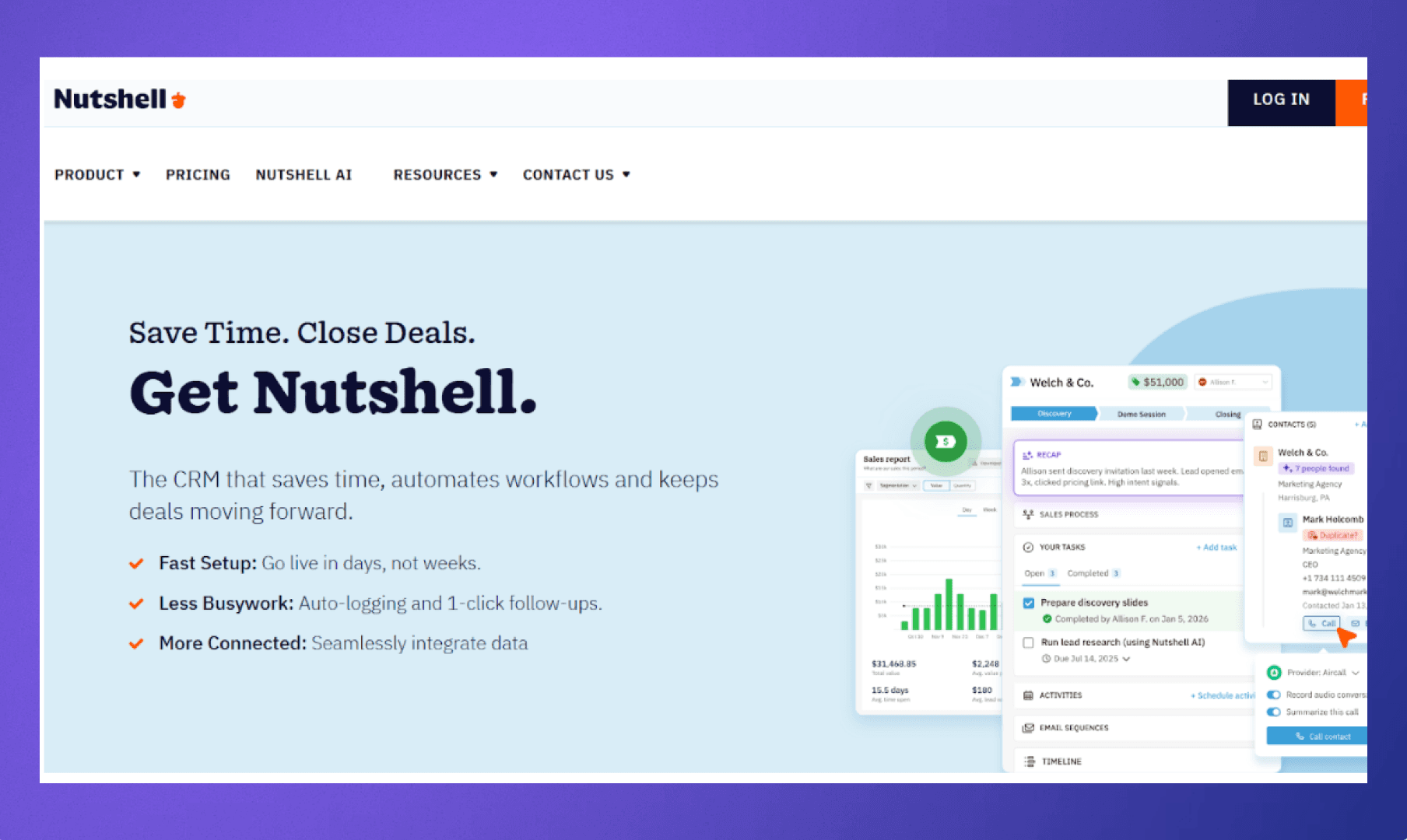
Nutshell is suitable for teams who want a straightforward CRM focused on sales organization and contact management. The system emphasizes ease of use, helping teams track relationships, conversations, and deals without requiring extensive configuration.
Key features
Contact and company management – Teams can maintain organized records for contacts and organizations, keeping notes, communication history, and deal activity connected to each profile.
Sales pipeline tracking – Opportunities move through customizable pipeline stages so teams can monitor deal progress and expected revenue.
Email integration and activity logging – Emails can be connected to CRM records, so communication history remains visible when reviewing a contact or opportunity.
Sales reporting dashboards – Built-in reports help managers review pipeline health, activity levels, and conversion performance.
Nutshell works for teams that want a straightforward system for organizing contacts and tracking sales activity.
Copper CRM Alternatives Comparison
Below is a clearer view of how different platforms approach relationships, customization, reporting, and workflow flexibility. While many CRMs offer similar core features, the structure behind those features can vary significantly depending on whether the system focuses on sales pipelines, operational customization, or long-term relationship context.
The table below compares Copper CRM and its ten alternatives. Rather than focusing only on feature volume, the table emphasizes how each platform approaches relationship management, customization, reporting capabilities, and overall operational complexity.
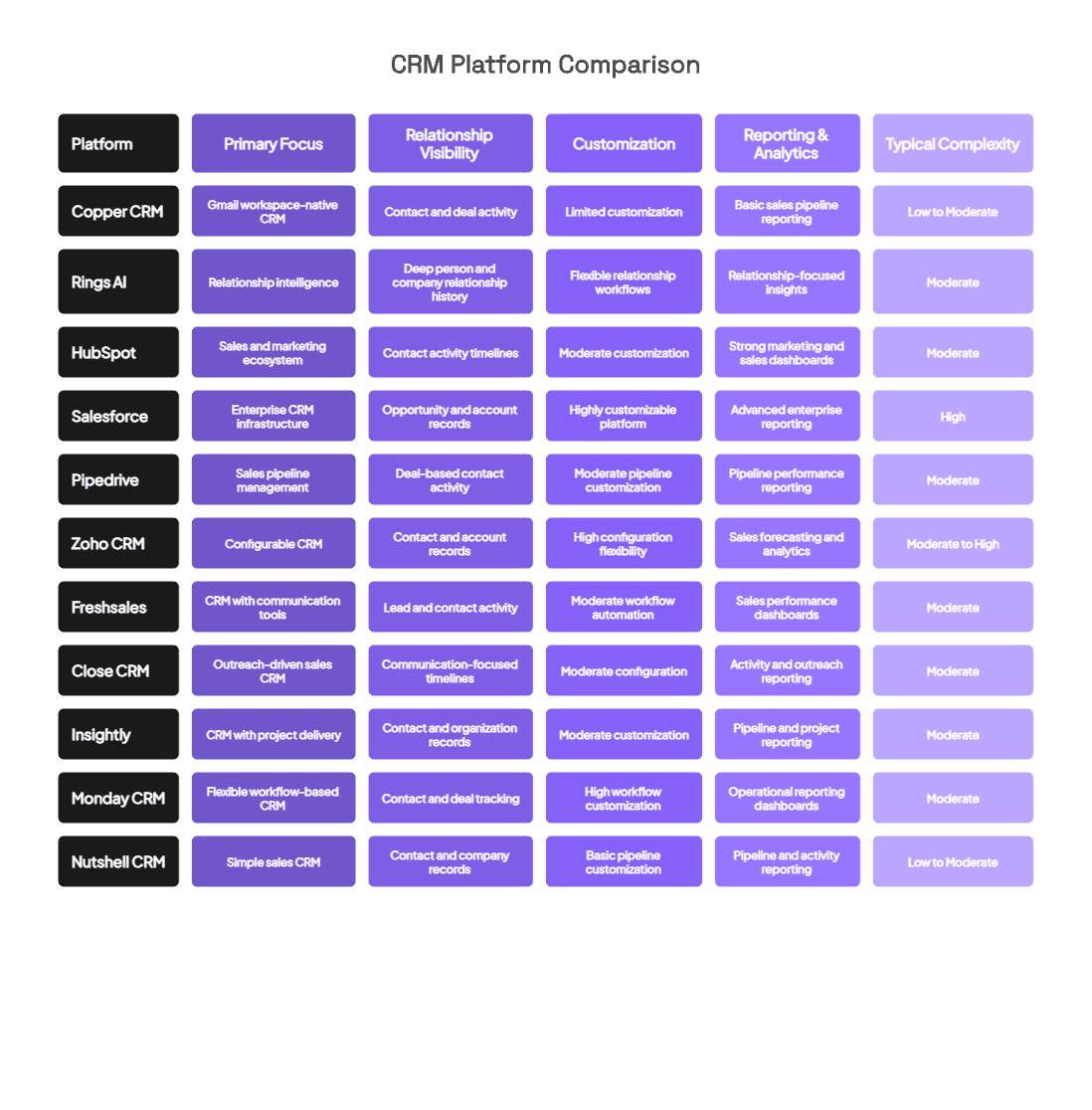
While many alternatives offer pipeline management and reporting capabilities, the biggest structural difference often appears in how platforms store and surface relationship context. Rings AI approach CRM as a shared record of communication history and team connections rather than simply a deal-tracking system.
When Copper CRM and Other Alternatives Still Miss the Bigger Picture
Copper CRM works well for teams that want a simple CRM tightly connected to Google Workspace, but many organizations begin exploring alternatives once their relationships, deals, and communication history grow more complex. Gmail integration alone does not solve the larger challenge of maintaining shared context across a team, especially when conversations, notes, and introductions stretch across months or years.
Many alternatives address parts of this problem.
Platforms like HubSpot CRM and Salesforce add stronger reporting, marketing capabilities, or enterprise customization, while tools such as Pipedrive focus on pipeline visibility and sales activity tracking. Each platform improves certain operational areas, yet most still organize information primarily around deals and pipeline stages rather than the long-term relationships behind them.
That distinction matters as teams scale. Conversations move across email threads, meetings, shared notes, and introductions from colleagues, which means the real value of a CRM lies in how well it preserves relationship context across the entire organization.
Systems that treat relationships as the core object rather than a step inside a pipeline create a clearer picture of who knows whom, what has already been discussed, and where the next conversation should start.
Rings AI approaches CRM from that perspective. The platform captures communication history automatically, maps your team’s network, and organizes knowledge around people and companies so context compounds instead of disappearing between deals or email threads. Teams gain a shared system of memory that makes meeting preparation easier, coordination faster, and relationship insight far more accessible.
If you want to see how a relationship-first CRM works in practice, book a demo with Rings AI.